6 For more information, visit global.irobot.com
EN
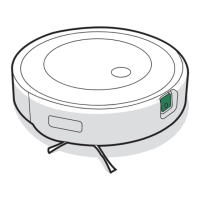
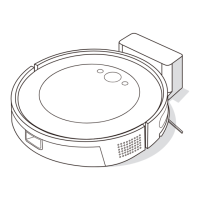
Pinch the brush frame release
tab, lift the tab, and remove any
obstructions.
Remove the brushes from the
robot. Remove the brush caps
from the ends of the brushes.
Remove any hair or debris that
has collected beneath the
caps. Reinstall the brush caps.
Cleaning the Multi-Surface Brushes
Remove any hair or debris from
the square and hexagonal pegs
on the opposite side of the
brushes.
Remove the bin from the robot
andclear any debris from the
vacuumpath.
Reinstall the brushes in the robot.
Match the shape of the brush pegs
with the shape of the brush icons in
the cleaning head module.
1
2
3
4
5
Cleaning the Sensors and Charging
Contacts
Wipe sensors and charging contacts with
aclean,dry cloth.
Important: Do not
spray cleaning
solution or water
onto the sensors or
sensor openings.
1



 To Next Page
 Loading...