PAGE 15IRONKEY BASIC USER GUIDE
# Step Description
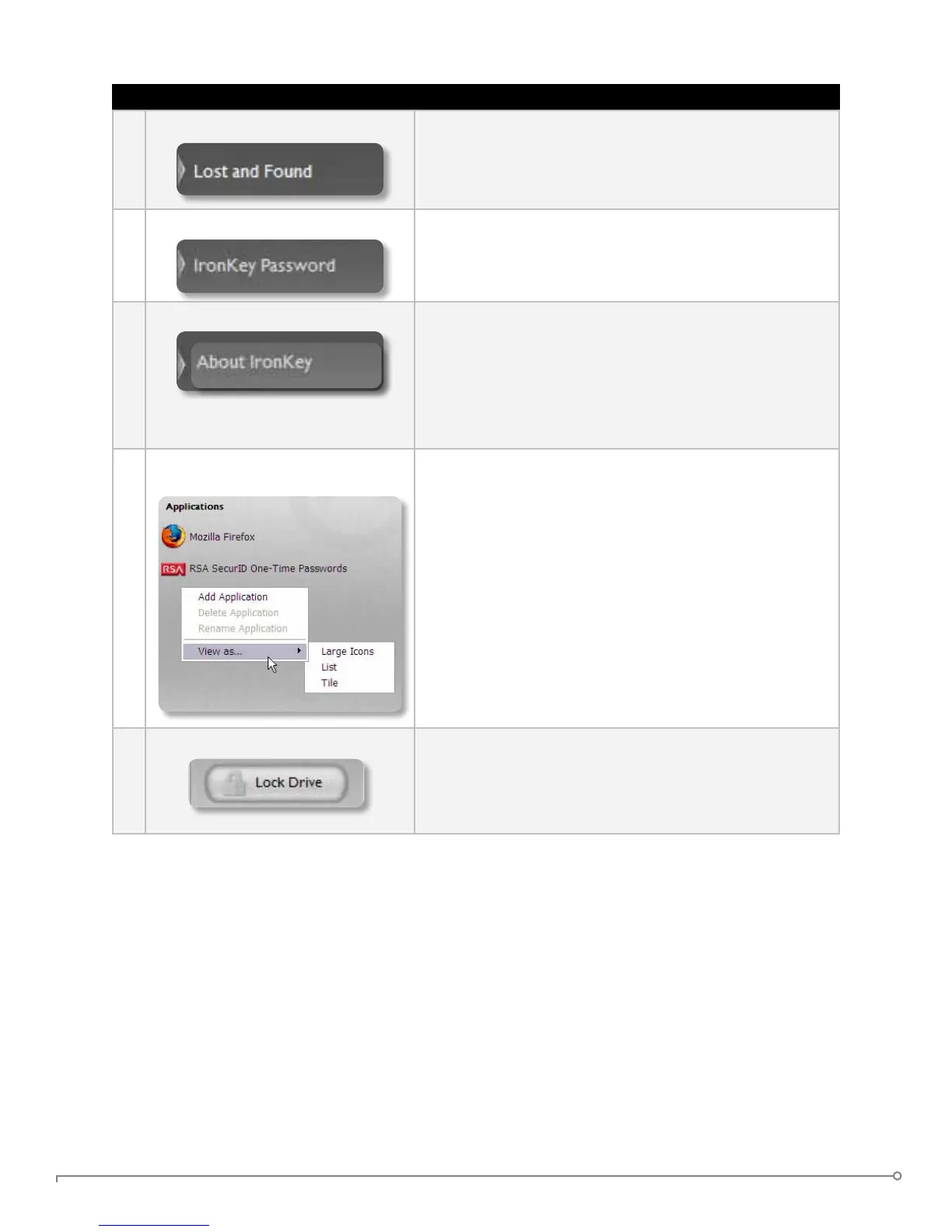
3 Creating a Lost and Found Message This feature allows you to create a message that appears
on the IronKey Unlocker window. In the event that you
lose your IronKey, someone can return it to you if you
provide your contact information.
4 Changing your device password You can change your device password, that you use to
unlock your IronKey. Changing your password on a regular
basis is a good security practice. However, be especially
careful to remember your IronKey password.
5 Viewing device details You can view details about your device, including model
number, serial number, software and rmware version,
secure les drive, and OS. You can also click the copy
button (CTRL+C) to copy device details to the clipboard
for your forum posting or support request; visit the
website (CTRL+W); or view legal notices (CTRL+N) and
certications (CTRL+?).
6 Adding, renaming, and removing
applications to the Applications List
You can right-click anywhere in the Applications List, and
click to add, rename, or delete items in the list.
» Mac: Applications installed on the secure volume are
automatically added to the list (default: empty).
» Items in the list are shortcuts to actual les. Managing the
items in the list does not alter the actual le.
» Items are automatically sorted alphabetically.
» Any le can be added to the list, including documents,
images, and batch les.
» For items that are not applications, Windows opens the
item with the default program associated with that letype.
7 Locking and unplugging the IronKey Clicking “Lock Drive” (Windows, CTRL+L) or “Lock &
Quit” (Mac) exits open IronKey applications and locks the
device. It is then safe to unplug it from your computer.
Ensure that you close all open applications and les before
locking your IronKey to prevent data corruption.


 To Next Page