PAGE 7IRONKEY BASIC USER GUIDE
How does it work?
Product Walkthrough
The IronKey Basic consists of the following components:
» IronKey Unlocker: Securely unlocks your IronKey
» IronKey Control Panel (Windows and Mac)
» IronKey Secure Backup (Windows only)
» IronKey Virtual Keyboard (Windows only)
Standard Usage Requires:
» Windows 2000 (SP4), XP (SP2+), Vista, Mac OS X (10.4+) or Linux (2.6+) computer
» A USB 2.0 port for high-speed data transfer
INITIALIZING YOUR IRONKEY ON WINDOWS
When you open the package, you will nd one IronKey Secure Flash Drive, one lanyard, and a
Quick Start Guide. Below is a brief description of the standard way of setting up an IronKey:
# Step Description
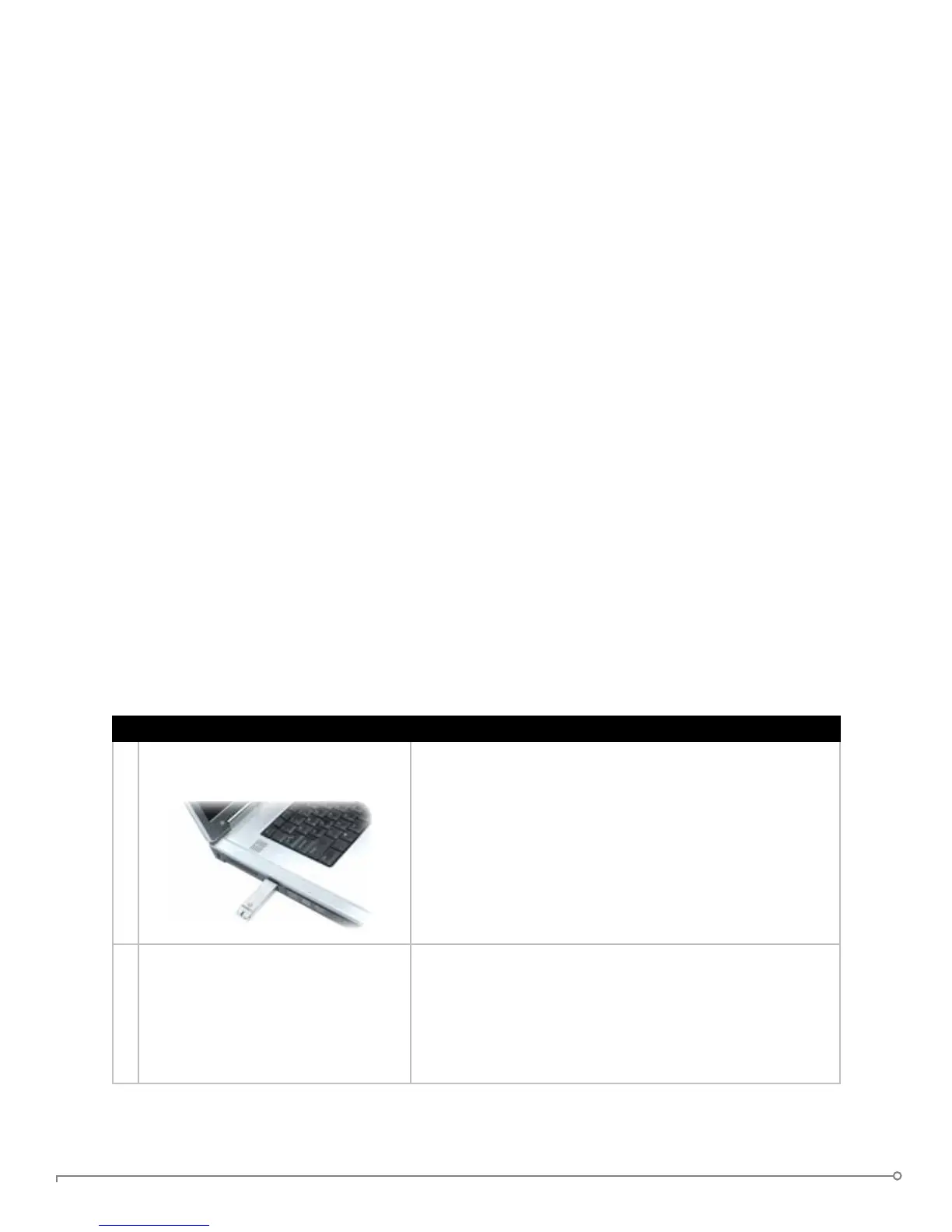
1 Plug the IronKey into your
Windows computer’s USB port.
You can initialize your IronKey on a Windows 2000, XP, or
Vista computer. It can also be set up and used on Mac and
Linux.
To use the full speed of the IronKey, plug it into a USB 2.0
port.
2 The “Initialize Your IronKey” screen
appears.
The IronKey autoruns as a virtual CD-ROM.
This screen might not appear if your computer does not
allow devices to autorun. You can start it manually by
double-clicking the IronKey icon in “My Computer” and
then double-clicking the “IronKey.exe” le.


 To Next Page