11
in 5 minutes. Snooze can be operated continuously in 24 hours.
3. Press ALARM key for about 2 seconds to turn off the alarm. The
alarm stays turned on for the next day.
4. To turn off the alarm press ALARM key 2X.
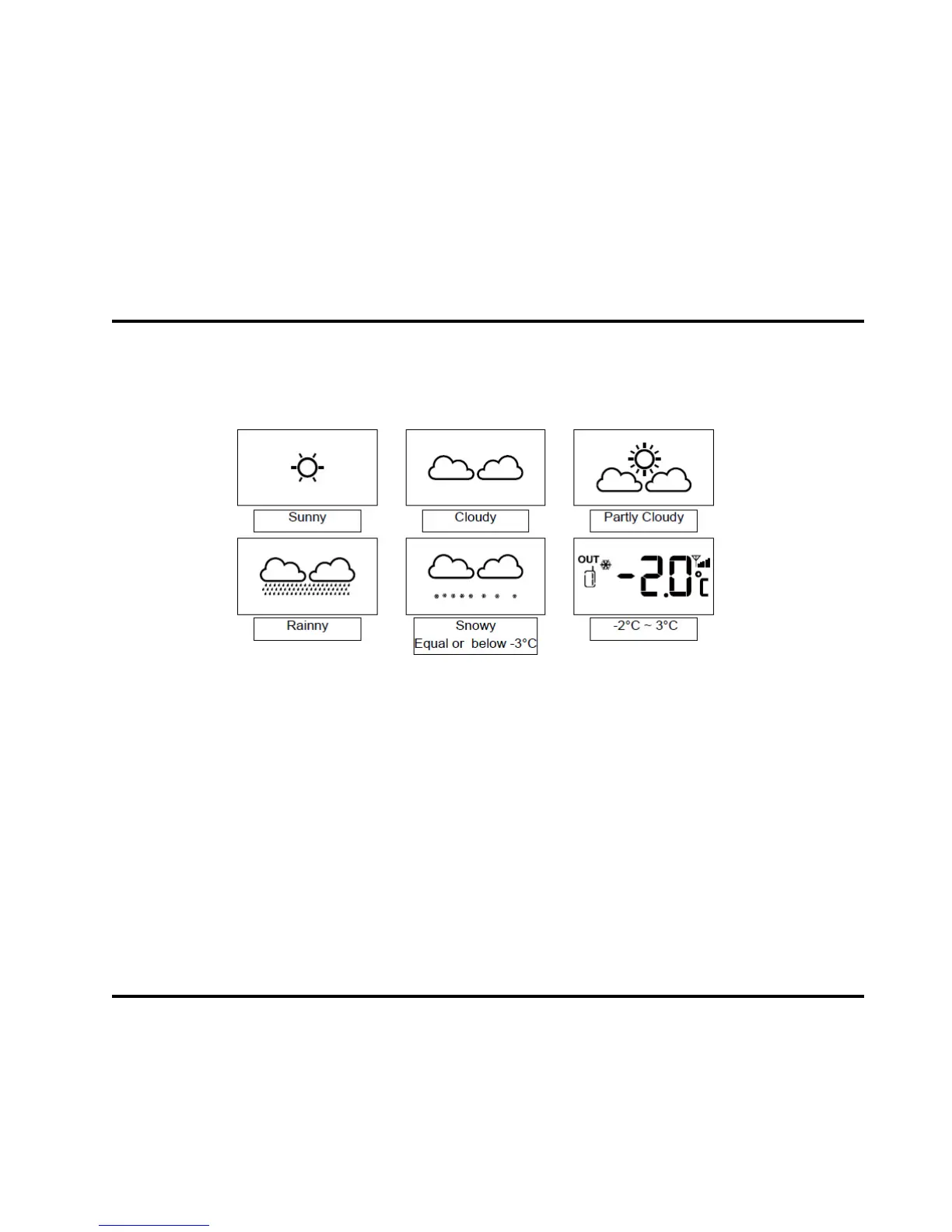
WEATHER FORECAST FUNCTION
The indoor console contains a built-in sensitive pressure sensor to
predict the weather forecast for the next 12-24 hours.
NOTE:
If there is any inconsistency of weather forecast between any local
weather station and this unit, the local weather station's forecast should
prevail. The manufacturer is not responsible for any errors due to incorrect
forecasting from this unit.
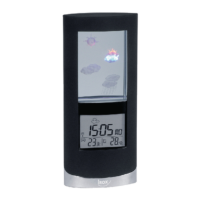
COLOUR CHANGE DISPLAY
1. Press LOOP key and the backlight colour will change automatically;
Press it again, the backlight colour will stop the change.
2. Turn off the loop function and press RAINBOW key, the backlight


 To Next Page