13
CHECKING AND DELETING MAX/MIN TEMPERATURE AND
HUMIDITY RECORDS
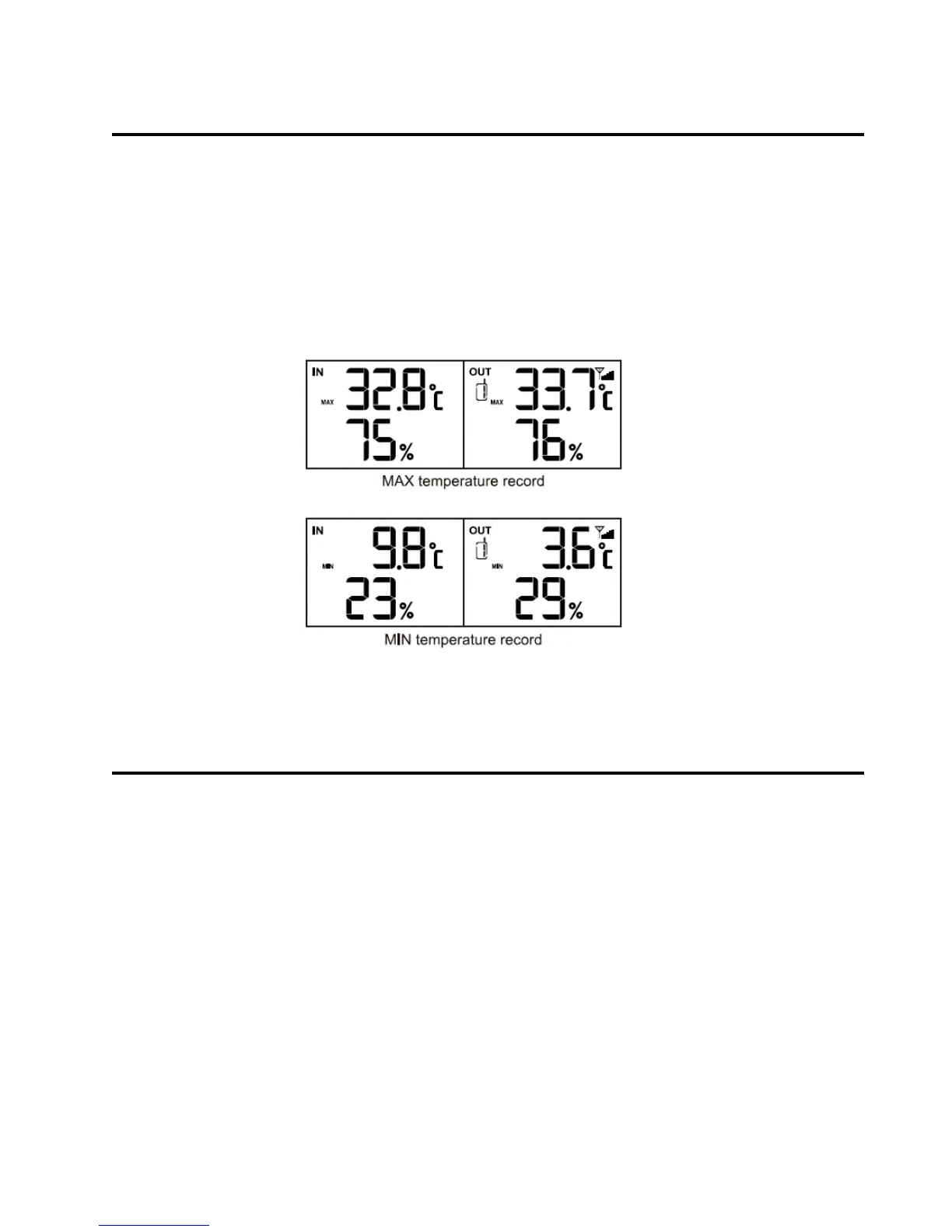
1. Press MAX/MIN key once to check the maximum temperature and
humidity records. Press it twice to check the minimum records.
Press it again to exit.
2. Press and hold MAX/MIN key for 3 seconds to delete the maximum
and minimum temperature and humidity records, with beep tone.
VIEWING THE CHANNEL
The default channel is Channel 1. In normal time mode, press
CHANNEL/up key to view the channels from 1 to 3. Besides, the
channels can automatically switch by pressing and holding
CHANNEL/UP key for 2 seconds, with beep tone.
NOTE:
The main station can display the temperature and humidity records of
maximum 3 transmitters of the same type. In each different channel (1, 2
or 3) must be set for each remote sensor.


 To Next Page