11
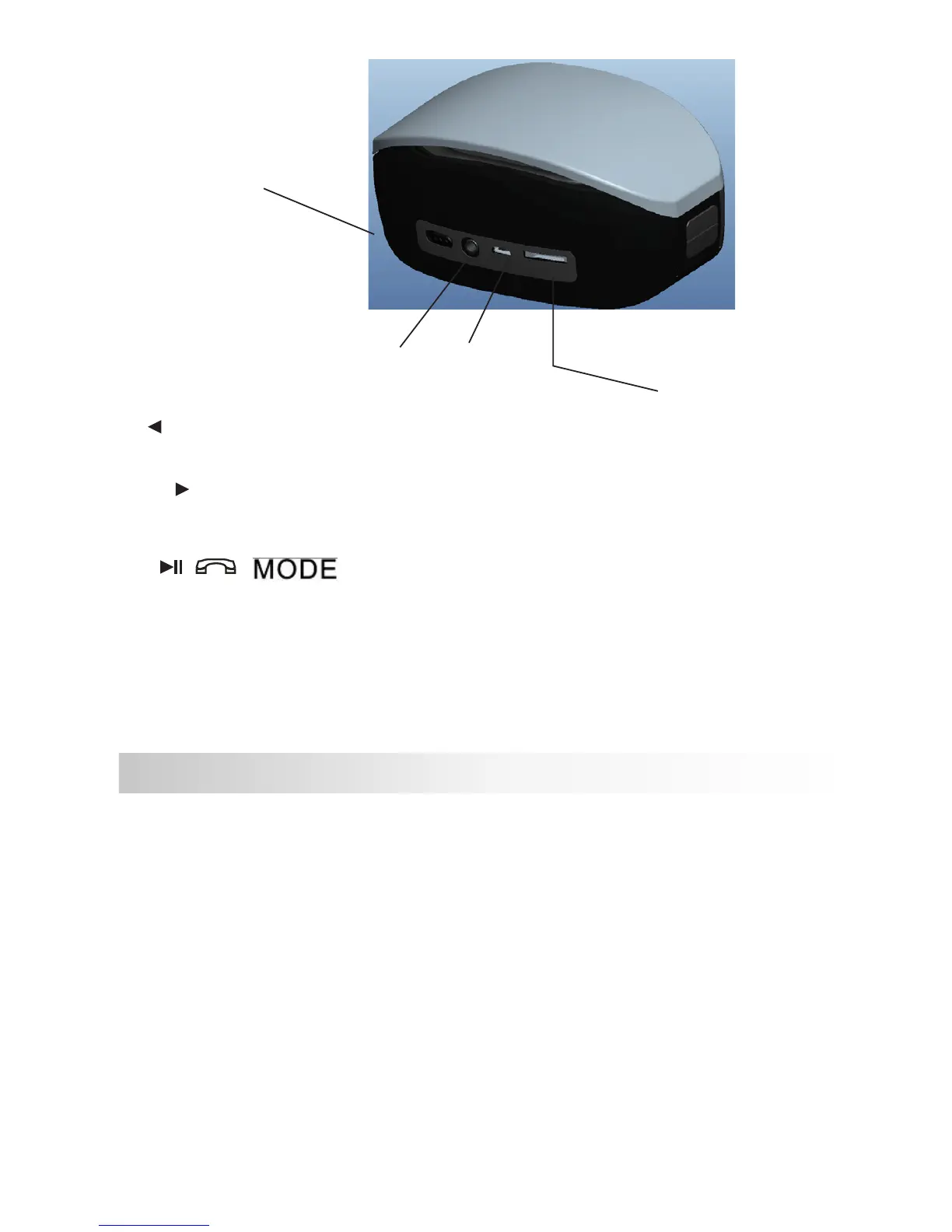
Turn down the volume: Press this button and hold it to bring down the
volume in the Bluetooth playback mode.
Turn up the volume: Press this button and hold it to bring up the
volume in the Bluetooth playback mode.
play/pause/ mode.
/ / : play/pause/ mode. press it to change modes of TF, BLUETOOTH,
AUX, During music playing, press it to pause; if it’s paused, press it
for playing; press it to pause under AUX and re-press to play; under
BLUETOOTH mode, press it to answer the call when call comes, re-
press to hang off
Product Model: BLAST
Bluetooth Specications: Bluetooth V2.1+EDR
Transmission Distance: ≤10M (depending upon operation environment and
devices to which it connects)
USB Recharge Voltage: DC 5V
Built-in Battery: Lithium battery
Output Power: 3W×2
Frequency Response: 90Hz-20KHz
Sensitivity: 80db±2db
Signal to Noise Ratio (SNR): ≥76dB
Product Dimensions: 58×73×120mm
4. Product Parameters
Power Button
TF card slot
Audio In
USB 5V



 To Next Page