4
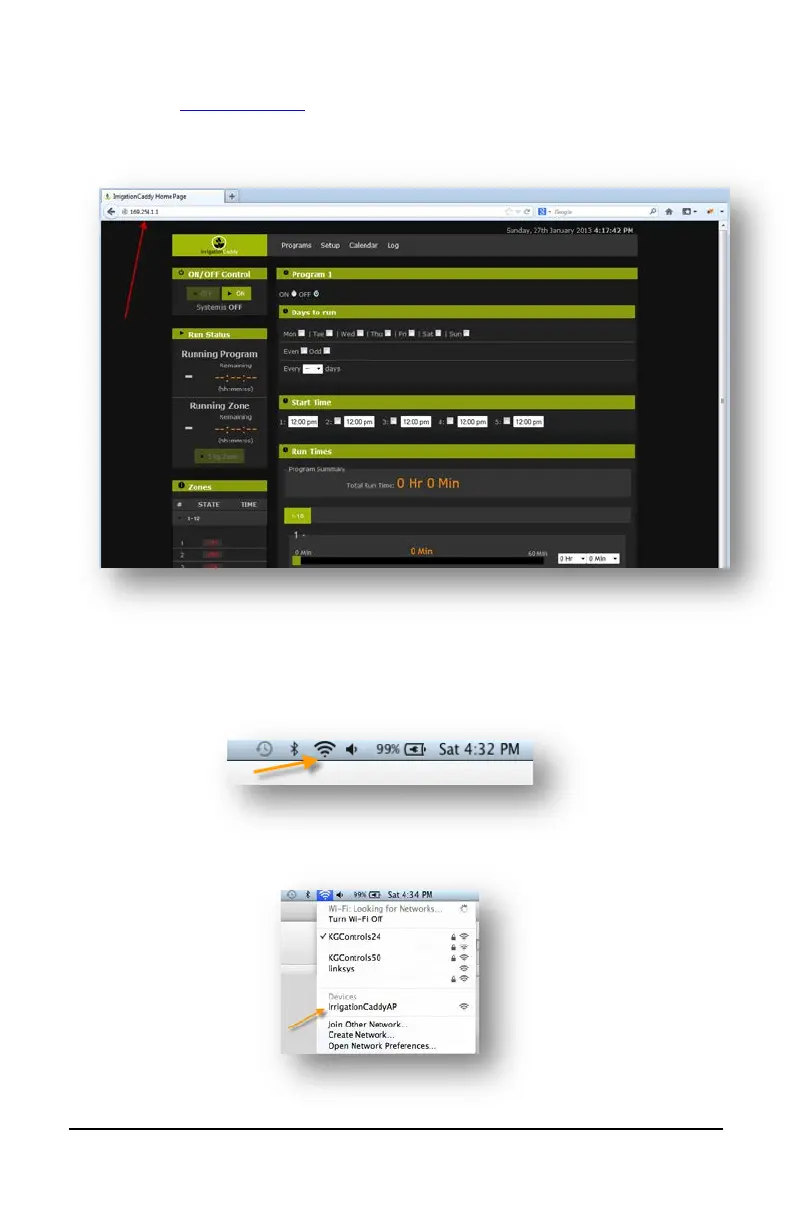
c. Once you have connected, open a web browser and navigate to
http://169.254.1.1
(You might have to wait up to 30 seconds before you are
able to access the page after connecting to “IrrigationCaddyAP”.
Refresh the page until it connects)
On MAC OS X:
a. Click on the Wireless Signal indicator on the top bar.
b. Find the “IrrigationCaddyAP” network, and select it.


 To Next Page