5
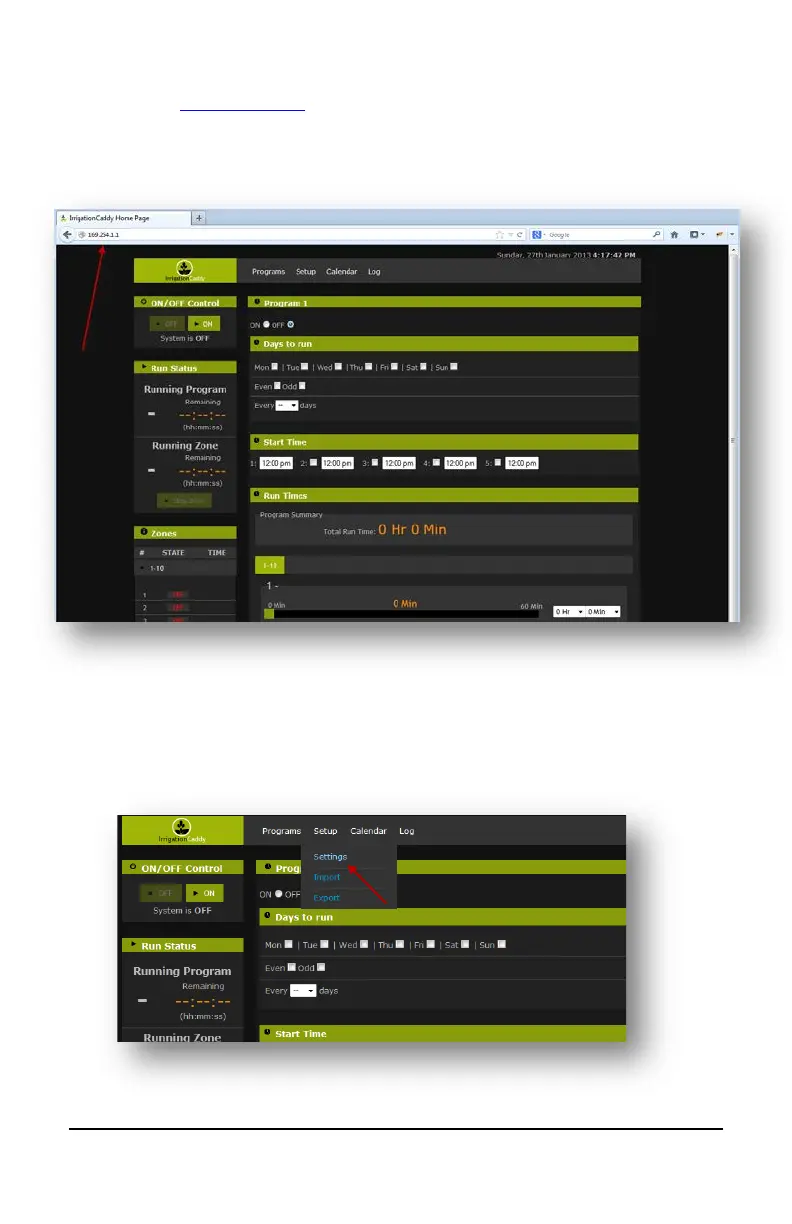
c. Once you have connected, open a web browser and navigate to
http://169.254.1.1
(You might have to wait up to 30 seconds before you are
able to access the page after connecting to “IrrigationCaddyAP”.
Refresh the page until it connects)
3. Now you are connected to the IrrigationCaddy AdHoc network, however the
objective should be to connect the IC to your own WiFi network, so that you can
access the IC like any other networked device you might own.
4. On the menu bar click on “Setup” and then “Settings”


 To Next Page