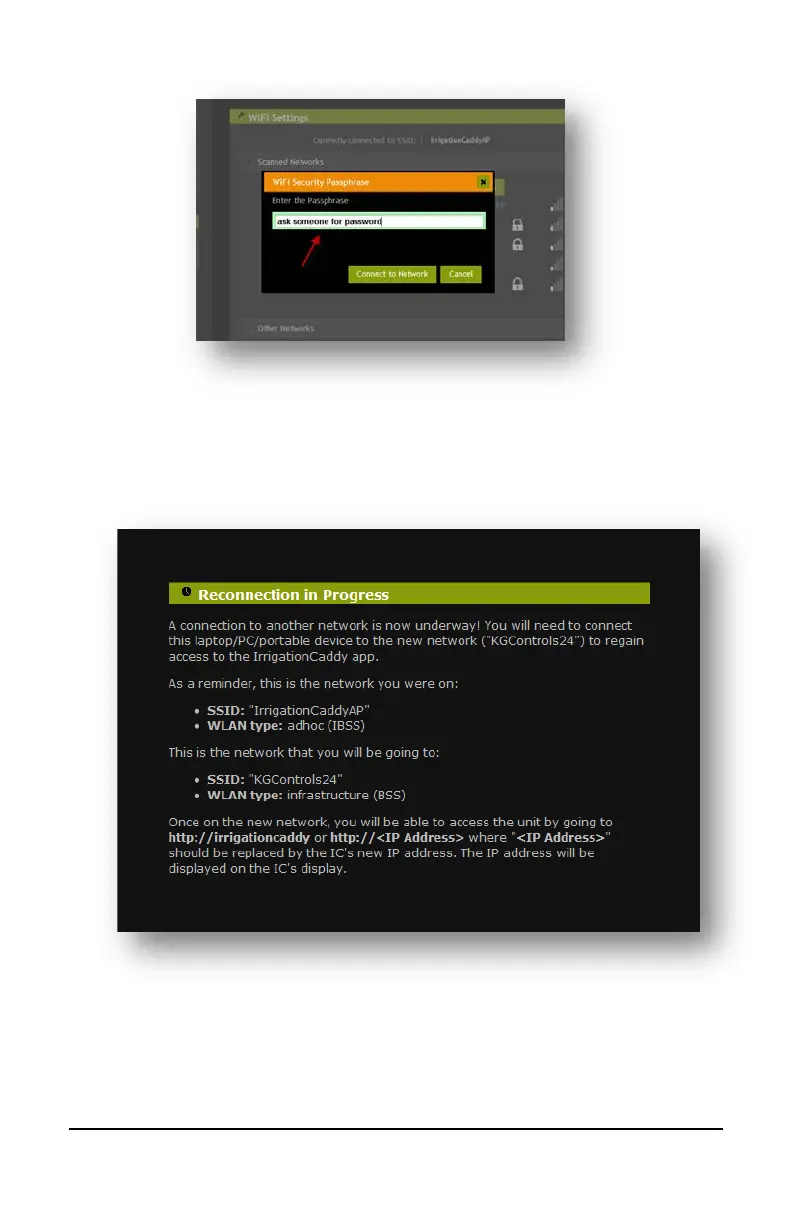
7
8. The IC will then display a reconnection message, and it will reboot. When the IC
reboots it will try to reconnect to the new network just selected. Now you need to
connect your laptop/PC/portable device to reconnect to the new network so that
you can access the IC in the new network.
9. To go back to the original network once again click on the network icon on the
taskbar, and select your preferred network.
On Windows 7:


 To Next Page