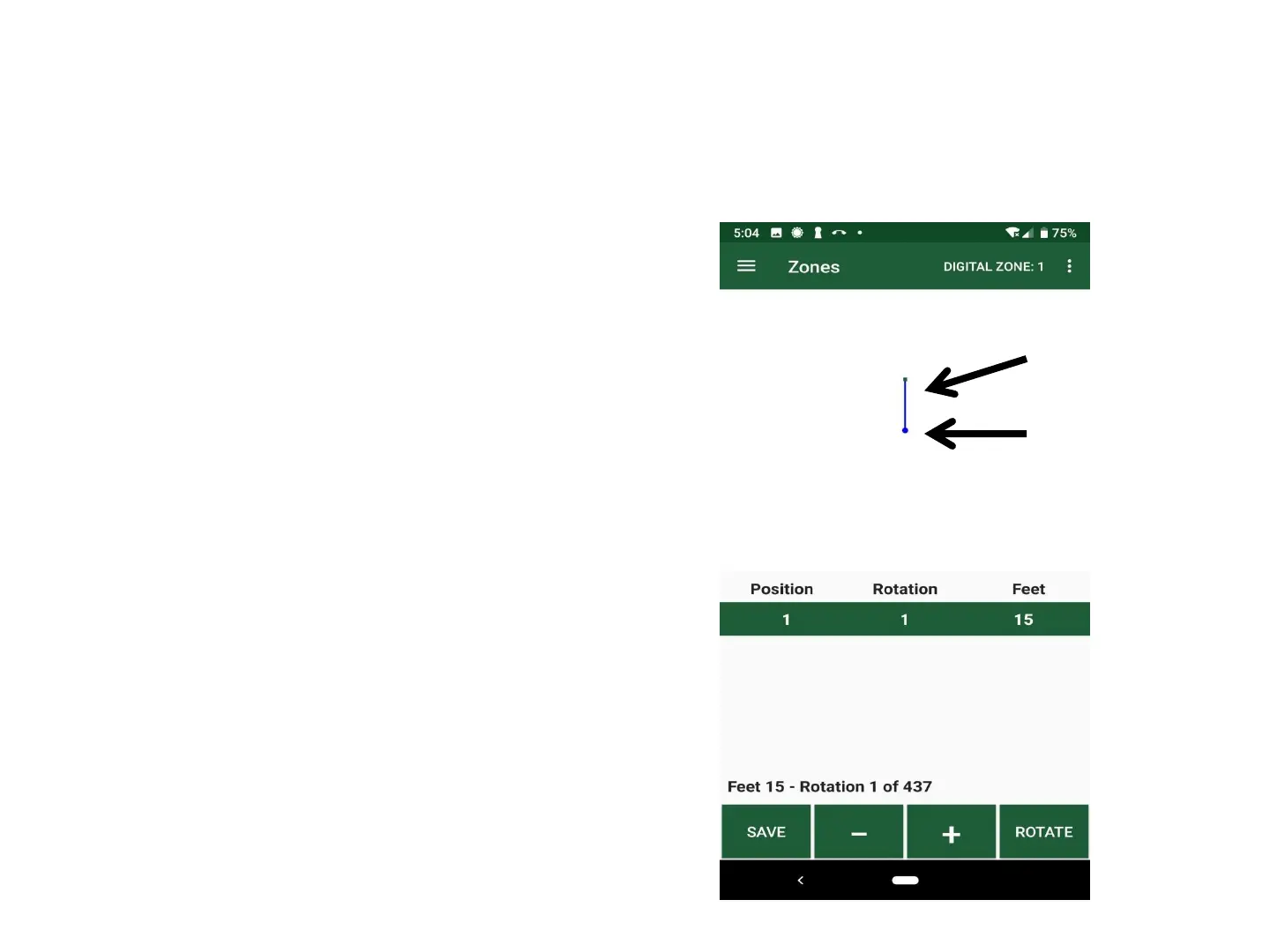
Calibrate & Map Digital Zones: Steps 5-7
Program/Map Sprinkler to Zone Shape
5. Click/Hold “Rotate” to turn
streams
437 Rotation settings, every 0.8
o
Clockwise rotation only
6. Click “- / + (Minus/Plus)”
to Set Distance
Distance (~6” increments)
Distances are approximate
7. Click “Insert” to create Positions
System draws a straight line between
any two points/positions
Water streams
Digital Sprinkler
19



 To Next Page