EN
USE AND MAINTENANCE MANUAL
428000756137
27
BERRY
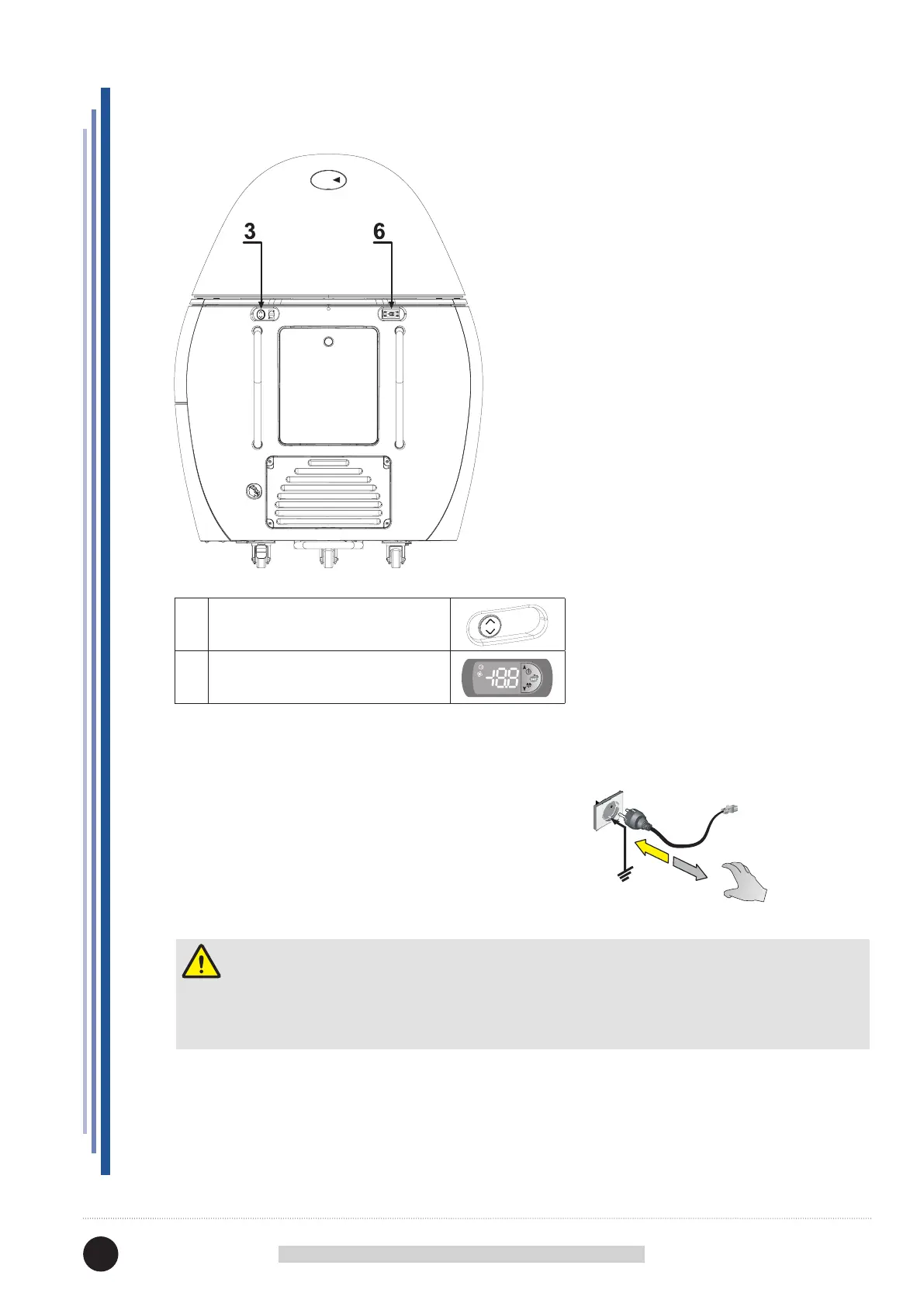
12. CONTROL PANEL
Attention
The electronic control board is installed already programmed.
Any changes to the control board settings can be carried out exclusively by qualied technical personnel.
START-UP
Press the master switch network.
Plug the appliance in at the socket supplied by the customer,
ensuring that the plug is tted with an earth contact and that
there are no multiple sockets connected to it; the equipment
automatically starts.
The device starts automatically.
3
LIFTING BUTTON DOME
6 ELECTRONIC CONTROL BOARD



 To Next Page