28
EN
BERRY
USE AND MAINTENANCE MANUAL
428000756137
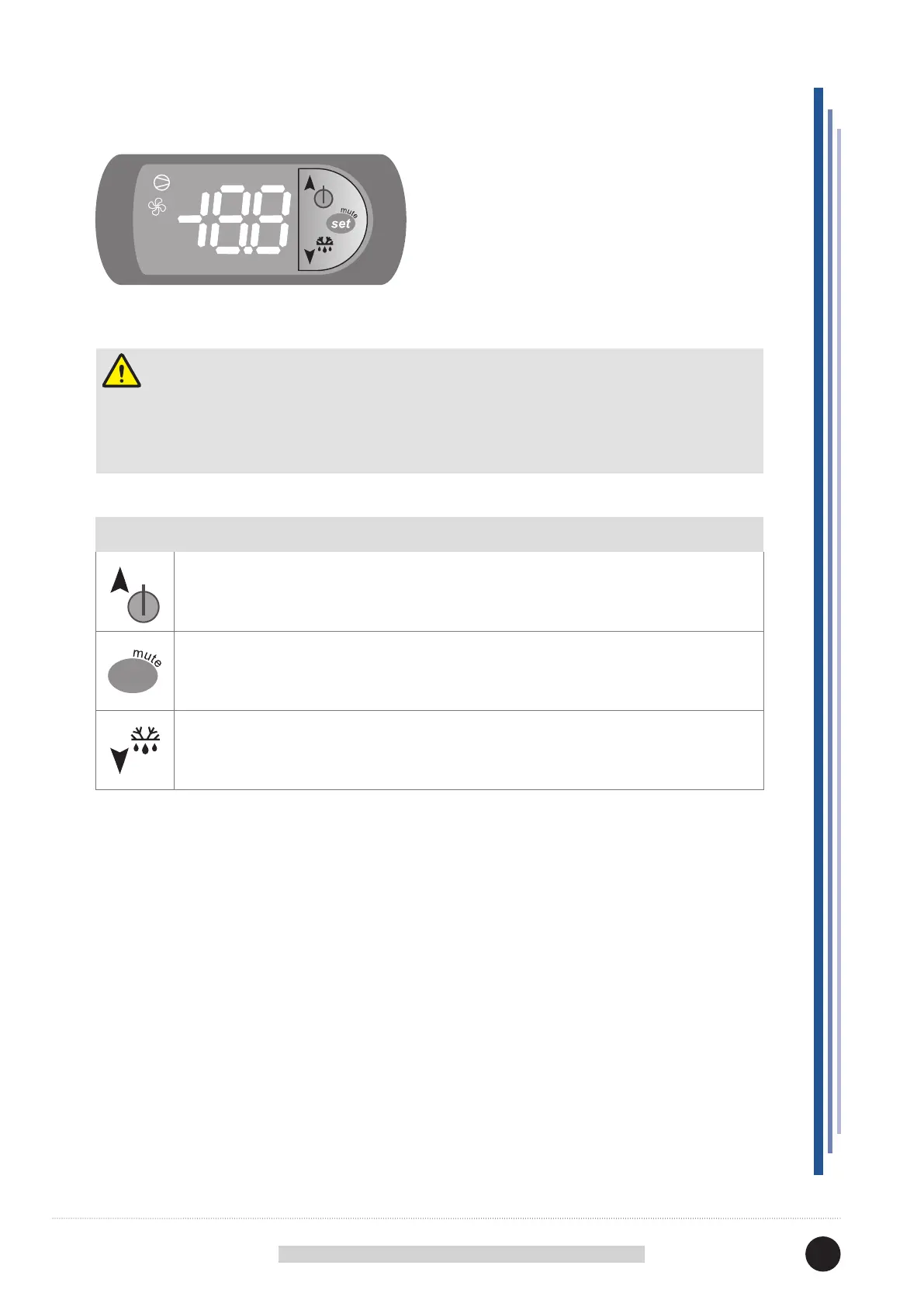
12.1 USER INTERFACE
BUTTONS
• Pressed for more than 3 seconds alternates ON / OFF status.
• Pressed for 1 second displays/sets the set point.
• Pressed for more than 3 seconds accesses the parameter setting menu (insert pwd 22).
• Silences acoustic alarm (buzzer).
• Not applicable.
set
Attention
The electronic control board is installed already programmed.
Any changes to the control board settings can be carried out exclusively by qualied technical
personnel.



 To Next Page