5 of 30
1.4 Lock/unlock keypad
The keypad can be locked by setting parameter E7 to 1,
locking the keypad after the period of inactivity set by
parameter E8.
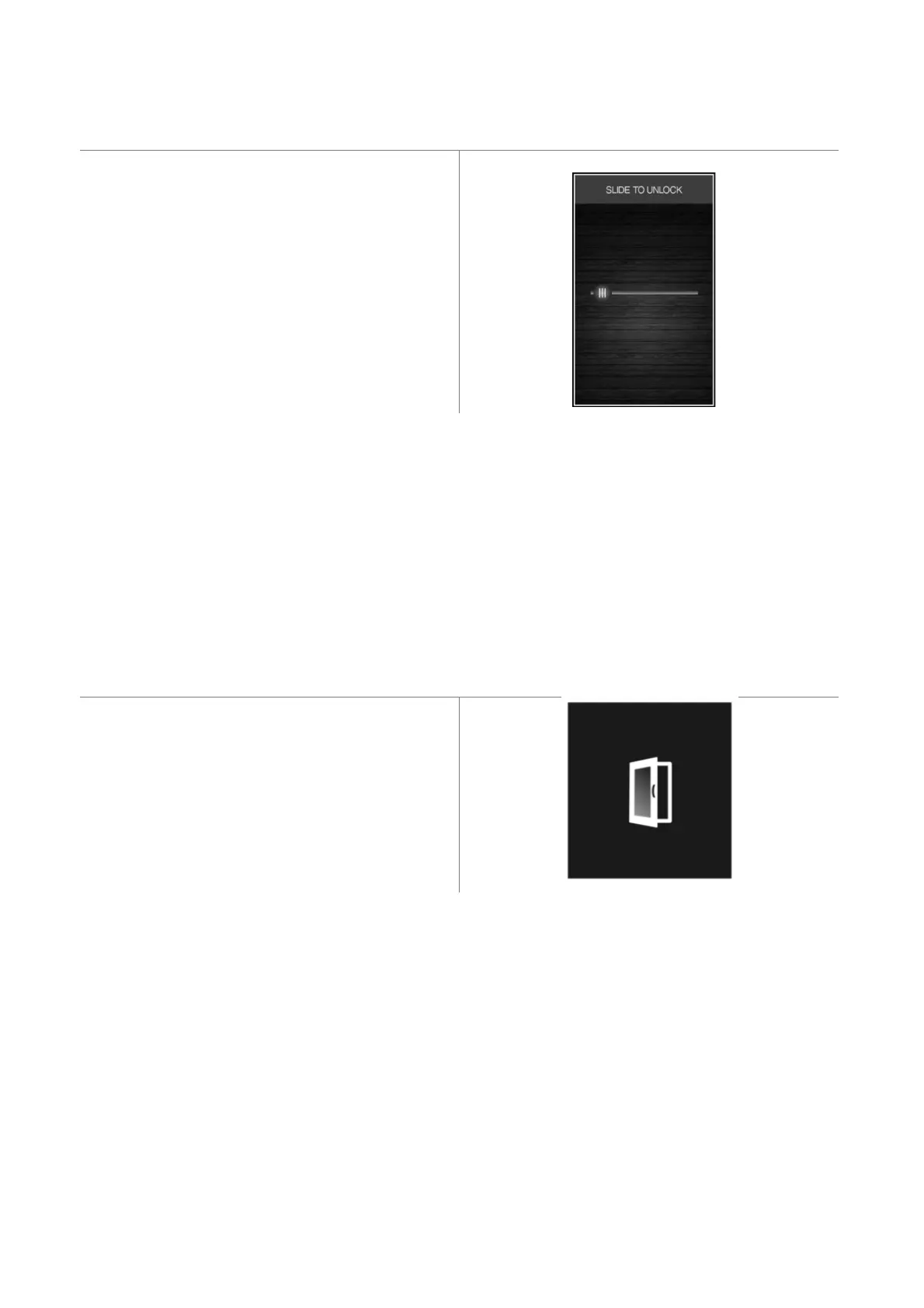
If the keypad is locked, a pop-up will appear when it is
touched indicating that it is locked and how to unlock it.
It can be unlocked by dragging a finger to the right.
1.5 Silencing the buzzer
Press any key while the buzzer is sounding.
1.6 Door-open signal
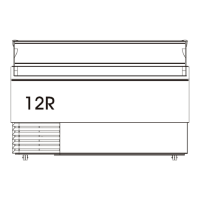
When the door is opened the signal shown below will
appear on the display.
Press any area on the display to remove this signal.


 To Next Page