7 of 30
2.3 Selecting the operating mode
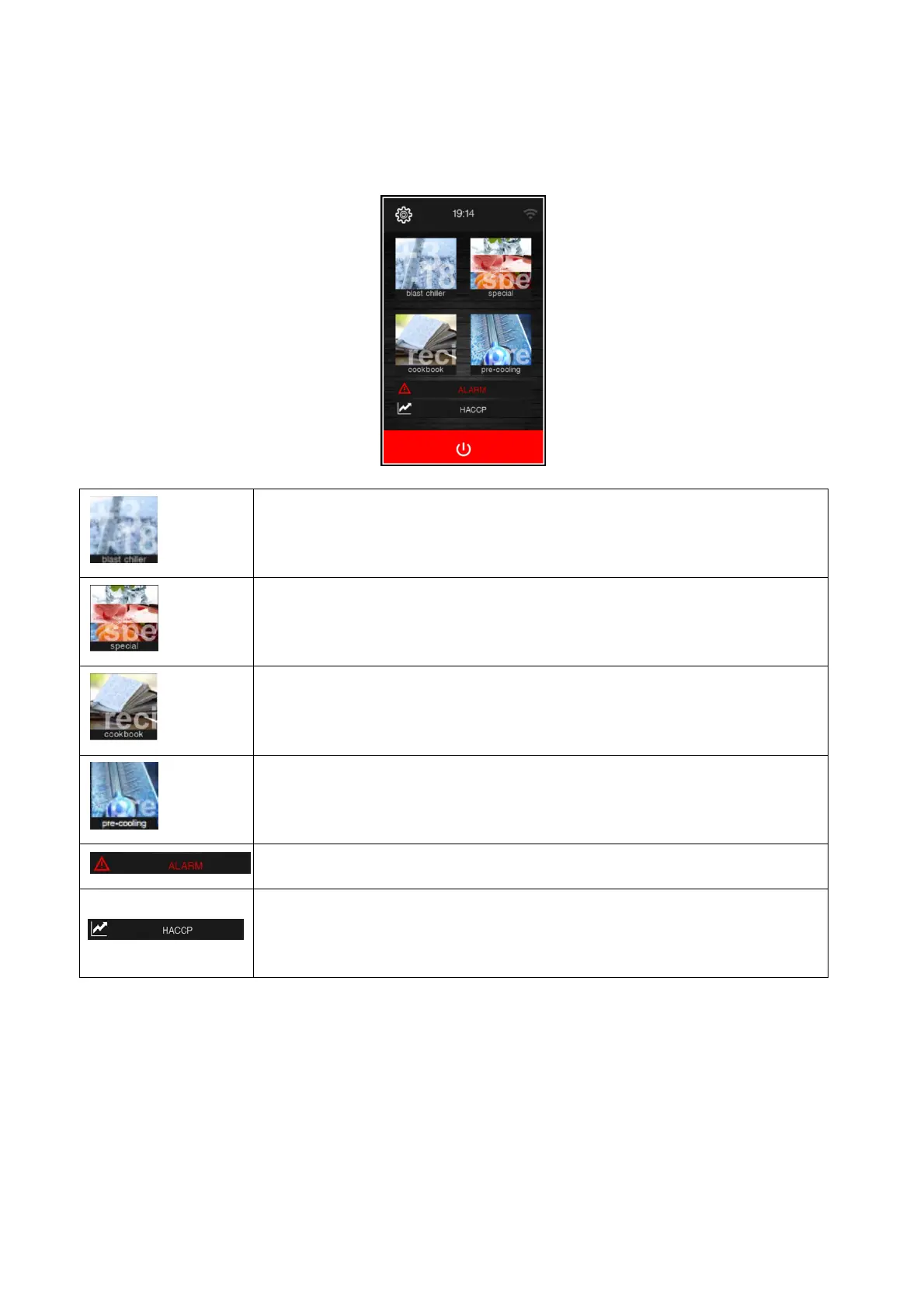
All the operating functions can be accessed from the Home screen by selecting the desired area.
Enables the blast chilling mode in which it is possible to select/set a standard blast
chilling/blast-freezing cycle, a multineedle probe or multi-timer cycle, see chapter 7.
Enables special cycles in which it is possible to select one of the special cycles available
according to the configuration of the machine, see chapter 4.
Enables recipe mode to be selected, with recipes saved in the memory, see chapter 9.
Makes it possible to select a cabinet pre-cooling cycle, see chapter 6.
This area is displayed if an alarm is in progress.
Pressing this area enables the historical data stored during operation to be seen. See
sections 7.6.2 and 12.1.


 To Next Page