8 of 30
3 BLAST-CHILLING MODE
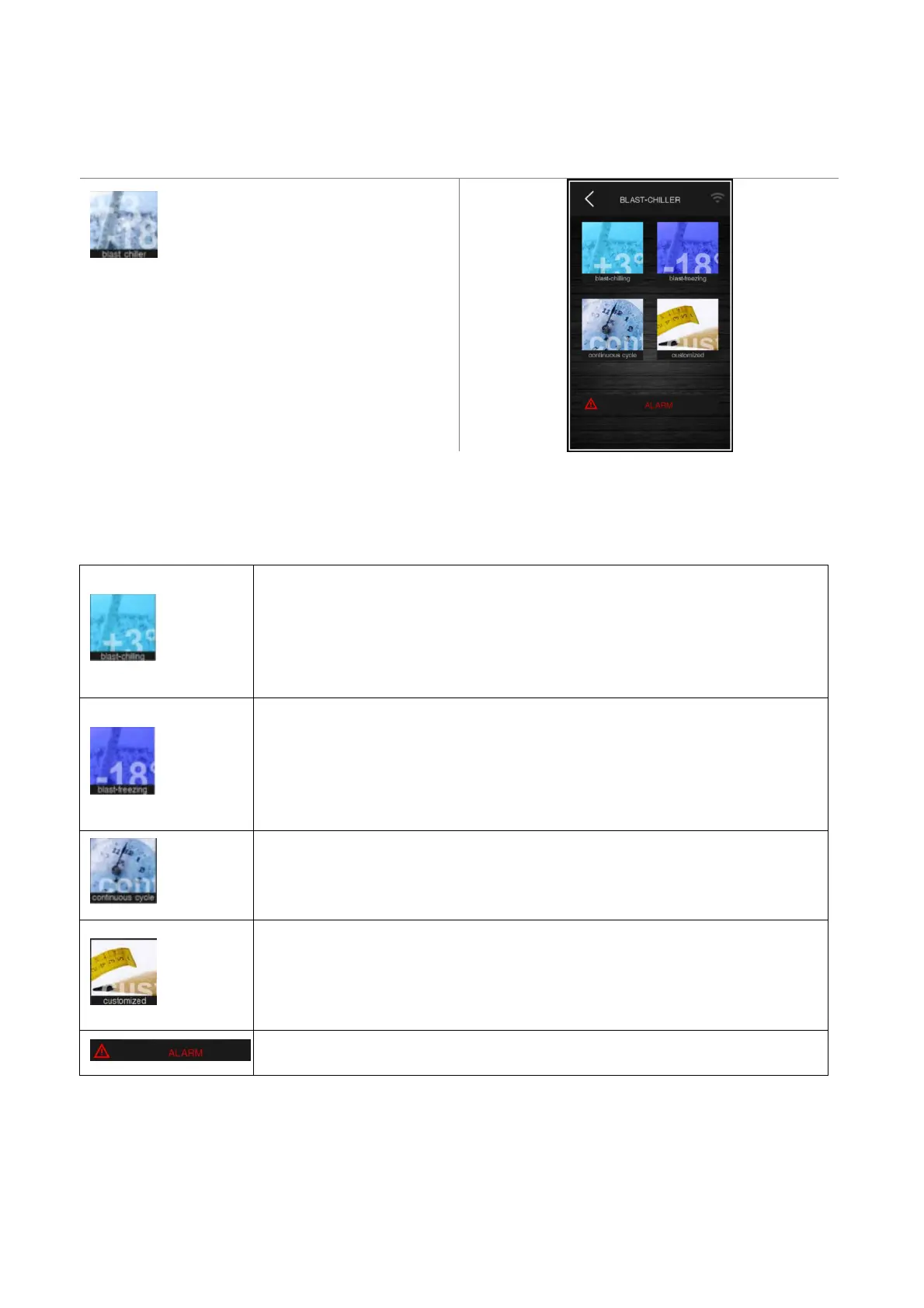
Press on this area to open the screen shown
below.
Each areas allows you to reach the following cycles:
- blast chilling,
- blast-freezing,
- continuous cycle and customized cycle,
- details below.
CHILLING Enables selection of a standard blast chilling cycle, uploading the relevant
pre-settings. On the same screen it is possible to select hard mode when blast chilling
consists of two phases with different set points. When blast chilling is complete the
corresponding conservation phase is run, with the set points established by the blast
chilling mode selected. See sections 7.1 and 7.2.
FREEZING Enables selection of a standard blast-freezing cycle, uploading the relevant
pre-settings. On the same screen it is possible to select soft mode when blast-freezing
consists of two phases with different set points. When blast-freezing is complete the
corresponding conservation phase is run, with the set points established for the blast-
freezing mode selected. See sections 7.1 and 7.2.
CONTINOUS CYCLE Enables selection of a continuous blast chilling/blast-freezing cycle,
where it is possible to set multiple operating timers. For more detail see section 7.3.
CUSTOM Press on this area to start up the procedure for setting a customized cycle. This
cycle makes it possible to set up to four phases. Once the phases are set they can be
started up or the program set can be saved in the recipe book. See section 7.4
This area is displayed if an alarm is in progress.


 To Next Page