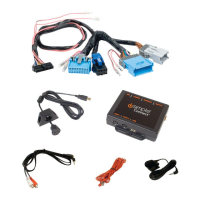
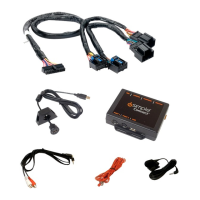
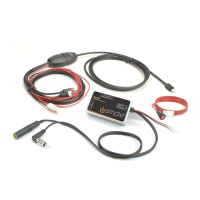
GateWay. By using the HDRT you will receive the standard analog stations as
location.
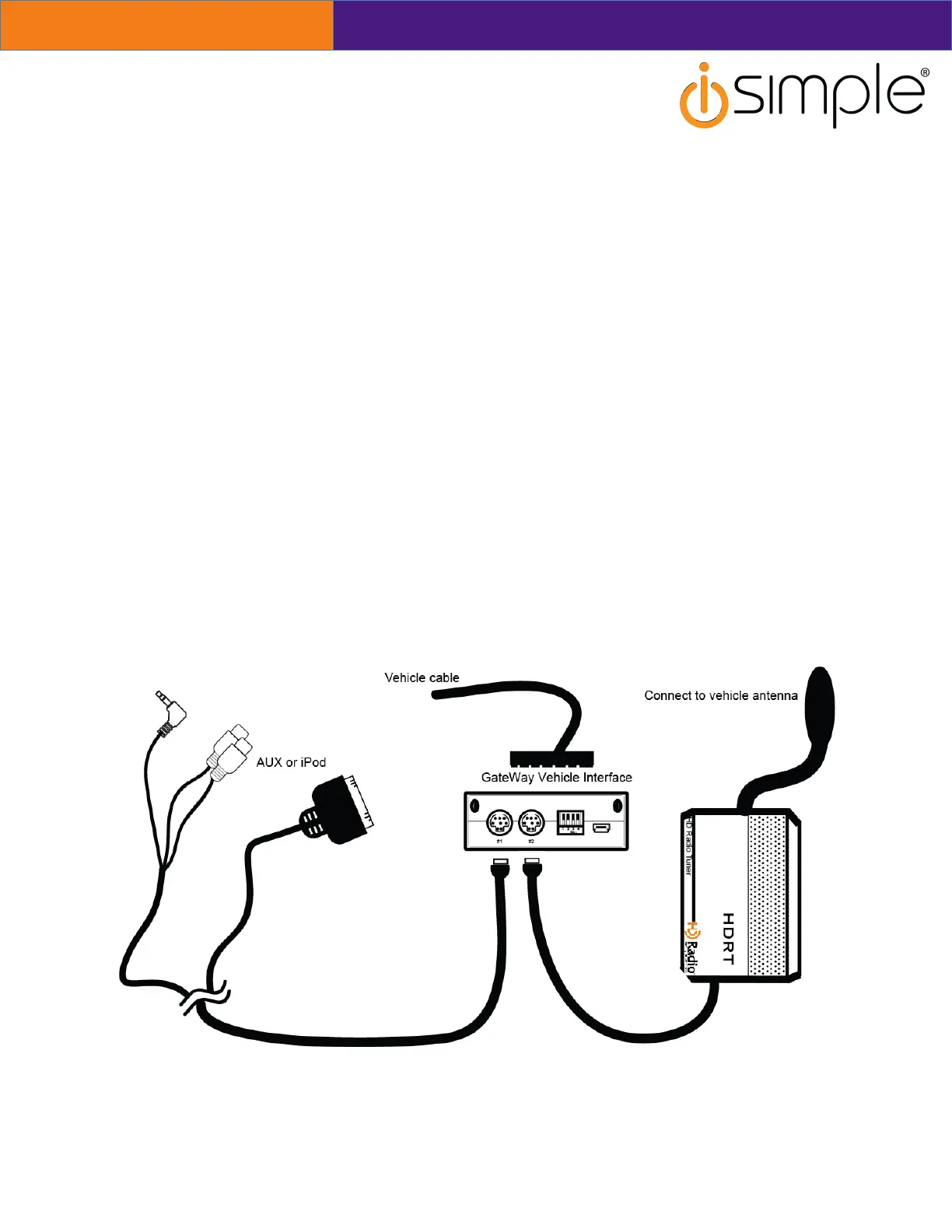
Connecting the HDRT
• If GateWay interface has already been installed, remove from the vehicle and
leave it disconnected for no less than 5 minutes.
• The original radio tuner is no longer needed. Disconnect the vehicles antenna
from the original radio and connect to the HDRT. A vehicle antenna adapter
may be needed in order to change the vehicle antenna connection into the
standard Motorola connection type. If you wish to retain the original radio tuner
in conjunction with the HDRT you will need a BAWM200 universal windshield
mount antenna. DO NOT split the vehicle antenna between the HDRT and the
original radio tuner. This will degrade the radio signal for both the HD tuner and
the original radio tuner resulting in poor radio reception. Instead connect the
vehicle’s antenna into the HDRT. Connect the BAWM200 into the factory radio’s
antenna port.


 To Next Page