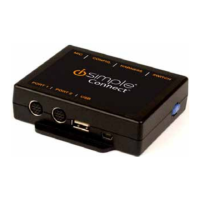
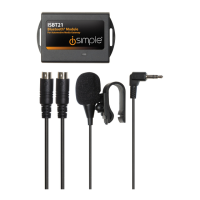
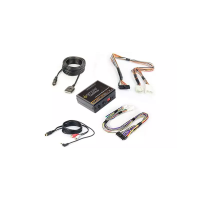
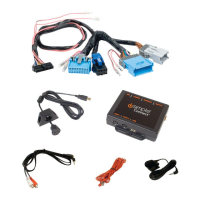
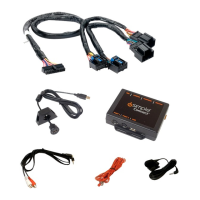
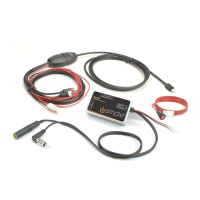
interface. The HDRT will connect in place of the AUX or iPod cable. The two
interface before connecting to the vehicle. Below are interface specific
installation notes and operation tips. Make sure to read all notes and tips before
connecting to the vehicle. Once connected to the vehicle wait 60 seconds
before using the interface. This time is needed for initialization.
ISFD571
The HDRT should be connected to Device 2. Switch 2 should be in the down
(On) position.
• Press AUX or SAT button until HD-FM1, HD-FM2, HD-FM3 or HD-AM is displayed.
• SEEK ► will seek up to the next available station based on signal strength.
• ◄ SEEK will seek down to the next available station based on signal strength.
• Pressing and holding SEEK ► for more than 2 seconds will change from
MANUAL to AUTO or from AUTO to MANUAL. The radios display will confirm the
selected mode.
• Storing stations - Tune to the desired station. Press a PRESET 1-6 and hold for
approximately 3 seconds until is displayed. To recall a preset station press the
desired PRESET button. HD and analog stations can be stored. HD stations are
identified by HD1, HD2 or HD-3 following the station frequency.
• TEXT/SCAN will change the display to show artist or song title if available.
ISTY571
• The HDRT should be connected to Device 2.
• Press SAT or AM/SAT until is HD RADIO displayed. Press Preset 3 to select the
source. By pressing the AM/SAT or SAT button after has been selected you will
switch between HD-FM1, HD-FM2, HD-FM3 or HD-AM.
• Tune up - turn the rotary TUNE KNOB to the right to move up one frequency at
a time.
• Tune down - turn the rotary TUNE KNOB to the left to move down one
frequency at a time.

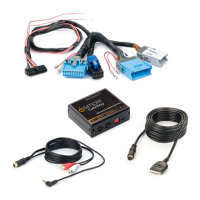

 To Next Page