EasyManua.ls Logo

iSimple ISFM22 - User Manual

iSimple ISFM22
8 pages
Print Icon
To Next Page IconTo Next Page
Loading...
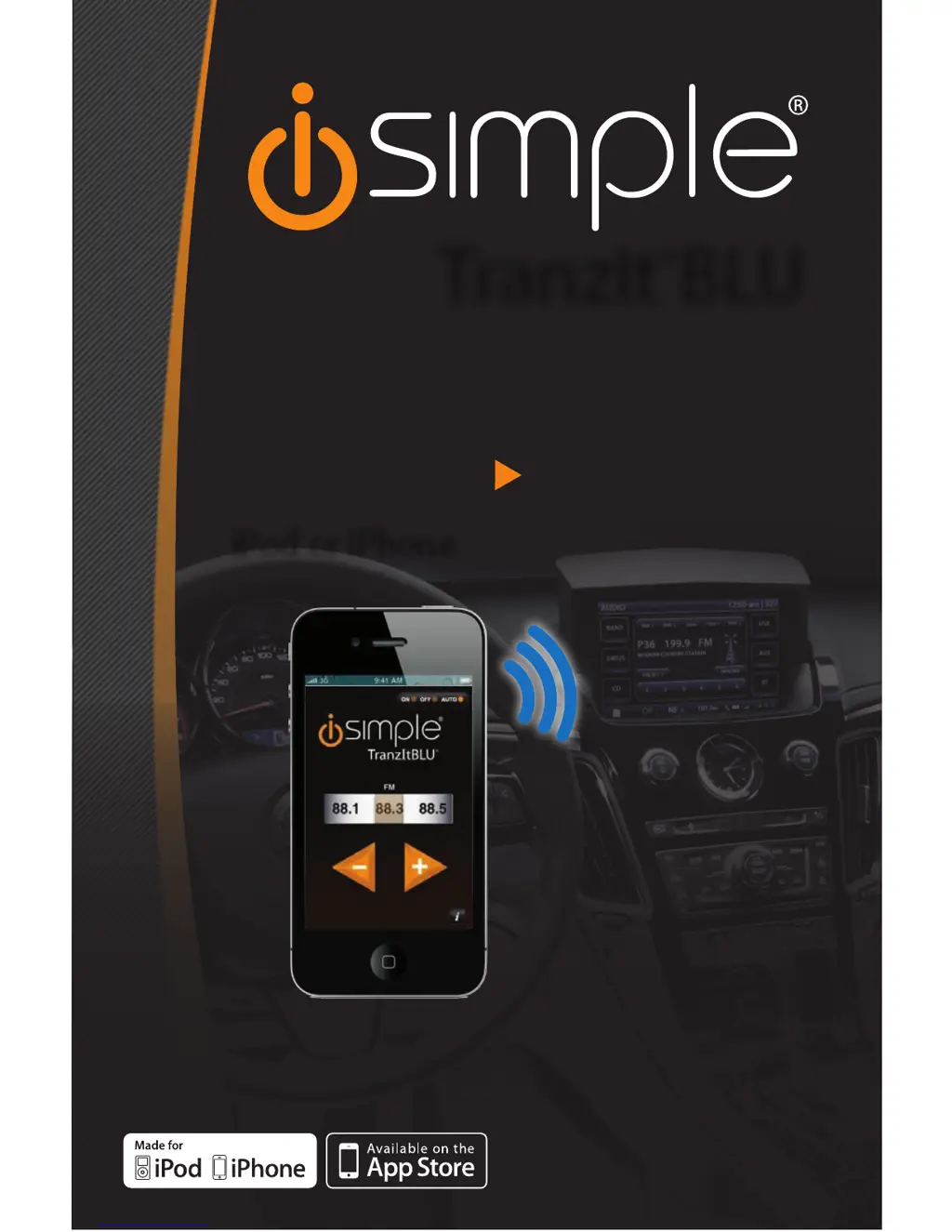
ISFM22
TranzIt
TM
BLU
WIRELESS BLUETOOTH AUDIO
TO ANY CAR RADIO
MAKE THE CONNECTION
iPod or iPhone
Rev.111011
iSimple®
A Division of AAMP of America™
13190 56th Court Clearwater, FL 33760
Ph. 866-788-4237
support@isimplesolutions.com
©2011 AAMP of Florida, Inc.
www.isimplesolutions.com

Questions and Answers

  • T
    Thomas VelasquezJul 26, 2025
    Why can't I find iSimple TranzIt BLU when searching for Bluetooth devices?
    • A
      Andrea SpearsJul 27, 2025
      If you can't find TranzIt BLU when searching for Bluetooth devices, it might be because the TranzIt BLU is no longer in pairing mode. This mode lasts for only 2 minutes after the car is turned on. To resolve this, turn your vehicle off and then back on. Try pairing within the first 2 minutes.
  • R
    ryandominguezAug 3, 2025
    What to do if I see a 'Pairing unsuccessful' message on my iPhone with iSimple ISFM22 Radio?
    • C
      Christine BenitezAug 3, 2025
      If a 'Pairing unsuccessful' message appears on your iPod or iPhone, it indicates that the device did not properly establish a Bluetooth connection. Press 'Connect' again. If pairing continues to fail, turn the ignition off, then back on, and try pairing again.
  • A
    amberblackAug 11, 2025
    Why is there no audio from my iPod or iPhone using iSimple ISFM22 Radio?
    • S
      Sharon WarrenAug 11, 2025
      If you're not getting any audio from your iPod or iPhone with the iSimple Radio, it could be due to a couple of reasons: * The radio might not be set to the correct station. In this case, tune to the default frequency: 88.3FM. * The device might not be paired. If that's the case, please reference section 5 for device pairing.
  • V
    Vanessa EllisonAug 17, 2025
    How to fix iSimple ISFM22 when it cannot access regular FM stations?
    • L
      Lori ReynoldsAug 17, 2025
      If you cannot access regular FM stations with your iSimple Radio, it could be because the ISFM22 is active. Try pausing the iPod or iPhone and wait 8 seconds. Alternatively, access the ISFM22 App and select the OFF option.

Summary

Product Introduction

ISFM22 Device Components

Vehicle Installation Options

FM Radio Connection Guide

Step-by-step instructions for wiring the ISFM22 to any FM-equipped radio.

RCA Auxiliary Input Connection

Instructions for connecting the ISFM22 via RCA cables to auxiliary audio inputs.

Frequency Selection and App Operation

Bluetooth Pairing and Device Connection

Troubleshooting Common Issues

Product Warranty Information

One Year Limited Warranty Details

Explains coverage for defects in material or workmanship for one year.

FCC Radio Frequency Compliance

Information on FCC compliance and guidance for minimizing radio interference.

iSimple ISFM22 Specifications

General IconGeneral
BrandiSimple
ModelISFM22
CategoryRadio
LanguageEnglish