EasyManua.ls Logo

iskn REPAPER - User Manual

iskn REPAPER
53 pages
Print Icon
To Next Page IconTo Next Page
Loading...
Question and Answer IconNeed help?

Do you have a question about the iskn REPAPER and is the answer not in the manual?

Summary

GET STARTED

Box Contents Explained

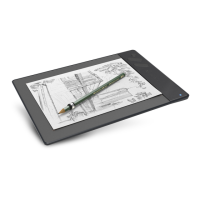
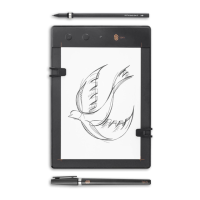
Lists and illustrates all components included in the Repaper package.

Repaper 3-in-1 Capabilities

Details the three primary modes of operation: Repaper & Screen, Repaper Only, and Repaper & Stylus.

Basic Notions for Getting Started

Explains the device's buttons, LED indicators, and fundamental operational concepts.

Before Using Repaper

Provides essential rules and warnings for optimal Repaper usage and interaction technology.

Initial Setup: Charging and Connection

Guides users through charging the Repaper and connecting it for the first time.

Repaper & Screen: Real-Time Display

Details steps for integrating paper and stylus with the screen for real-time drawing.

ANY QUESTIONS?

Support Resources

Provides links to guides, FAQs, and contact information for user assistance.

Summary

GET STARTED

Box Contents Explained

Lists and illustrates all components included in the Repaper package.

Repaper 3-in-1 Capabilities

Details the three primary modes of operation: Repaper & Screen, Repaper Only, and Repaper & Stylus.

Basic Notions for Getting Started

Explains the device's buttons, LED indicators, and fundamental operational concepts.

Before Using Repaper

Provides essential rules and warnings for optimal Repaper usage and interaction technology.

Initial Setup: Charging and Connection

Guides users through charging the Repaper and connecting it for the first time.

Repaper & Screen: Real-Time Display

Details steps for integrating paper and stylus with the screen for real-time drawing.

ANY QUESTIONS?

Support Resources

Provides links to guides, FAQs, and contact information for user assistance.

iskn REPAPER Specifications

General IconGeneral
Tilt RecognitionNo
Report Rate200 Hz
Power SourceRechargeable battery
ConnectivityUSB, Bluetooth
CompatibilityiOS, Android, macOS, Windows
Display SizeNot applicable (paper-based drawing)
ResolutionNot applicable (paper-based drawing)

Related product manuals