9
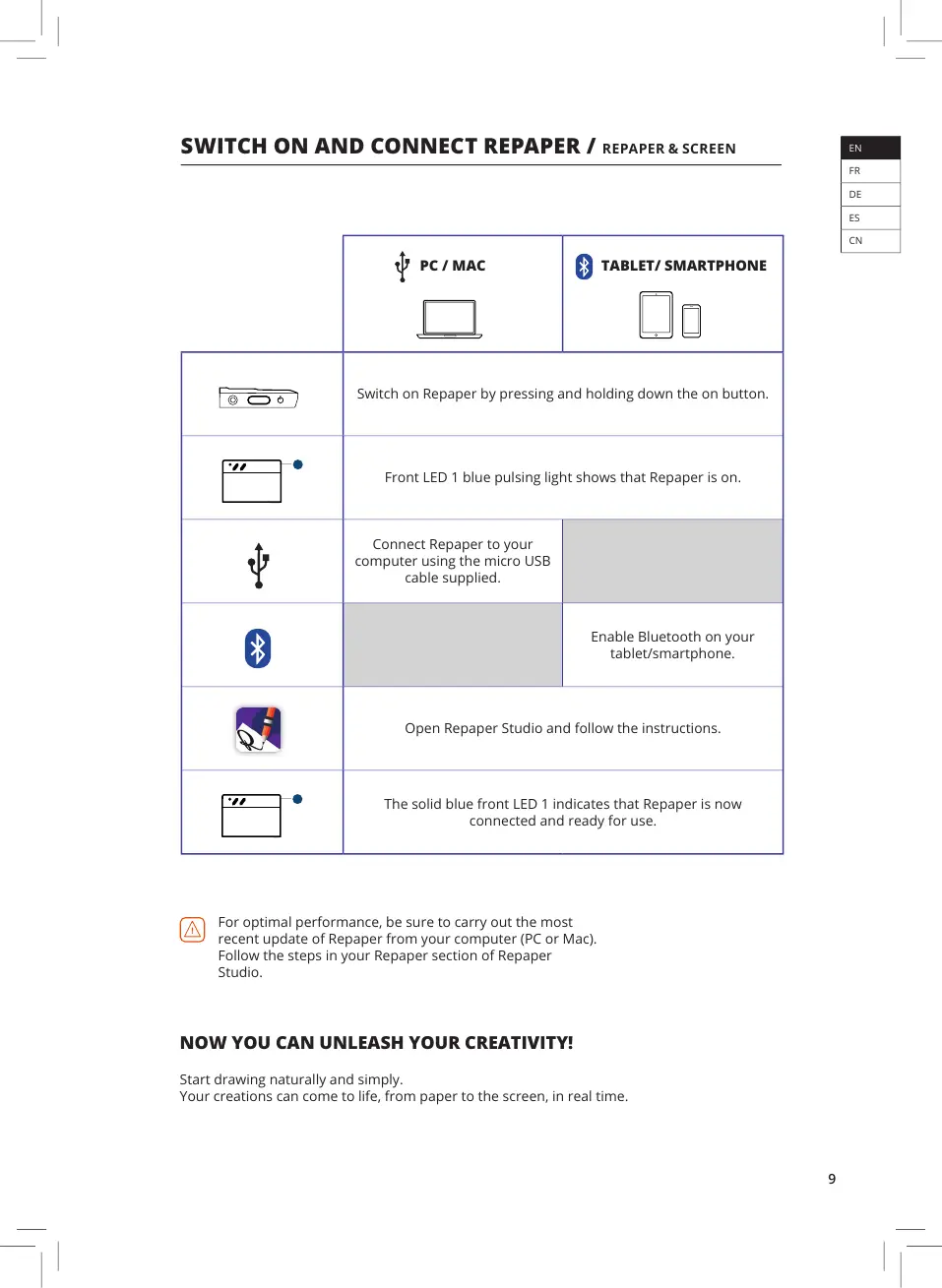
PC / MAC TABLET/ SMARTPHONE
Switch on Repaper by pressing and holding down the on button.
Front LED 1 blue pulsing light shows that Repaper is on.
Connect Repaper to your
computer using the micro USB
cable supplied.
Enable Bluetooth on your
tablet/smartphone.
Open Repaper Studio and follow the instructions.
The solid blue front LED 1 indicates that Repaper is now
connected and ready for use.
SWITCH ON AND CONNECT REPAPER / REPAPER & SCREEN
NOW YOU CAN UNLEASH YOUR CREATIVITY!
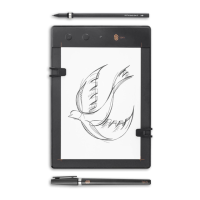
Start drawing naturally and simply.
Your creations can come to life, from paper to the screen, in real time.
For optimal performance, be sure to carry out the most
recent update of Repaper from your computer (PC or Mac).
Follow the steps in your Repaper section of Repaper
Studio.
EN
FR
DE
ES
CN


 To Next Page