Need help?
Do you have a question about the Islandaire EZ Touch IR and is the answer not in the manual?
Approx. 5ft above floor, on wall for best line of sight to PTAC unit.
Lists AA batteries, screws, anchors, screwdriver, and kit components for installation.
Procedure to remove the thermostat base by unscrewing the bottom screws.
Mounting the thermostat base to the wall using provided screws and anchors.
Steps for opening the latch, inserting batteries, and securing the latch.
Securing the thermostat unit back onto its base with screws.
Explains the IR receiver's use in PTAC units with enclosures blocking line of sight.
Instruction to drill a 5/8" diameter hole on the enclosure for the receiver.
Guide for inserting the IR remote receiver into the drilled hole.
Connecting the IR receiver to the extension harness and control board.
Optionally attaching a blank off piece to cover controls and indicate IR use.
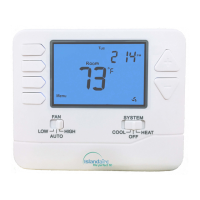
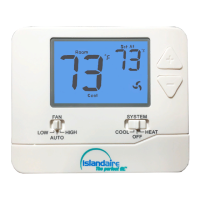
Overview of thermostat components like digital display, buttons, and icons.
Detailed explanation of ON/OFF, MODE, FAN, temperature settings, and lock functions.
Information on backlight behavior and data transmission cycles.
Diagnosing problems like blank display, unit not turning on, and temperature set point issues.
Provides contact details for Islandaire Technical Service, including phone and email.
 General
| Brand | Islandaire |
|---|---|
| Model | EZ Touch IR |
| Category | Thermostat |
| Language | English |


 To Next Page