Page 20 of 44
TTI-7 Iss.02 – 06/11
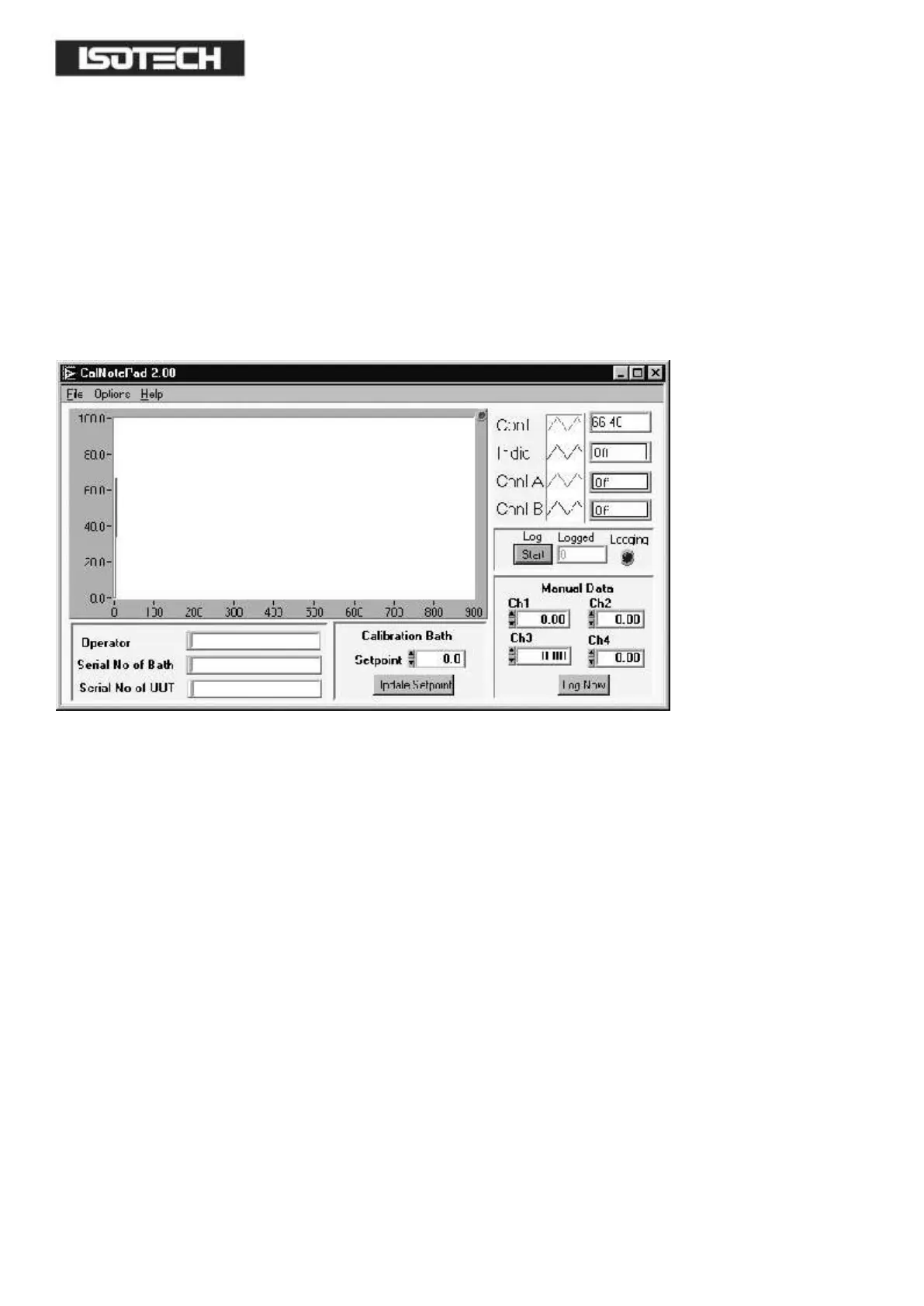
STARTING CAL NOTEPAD
From a Standard Installation:
Click the START button
Highlight PROGRAMS
Select Isotech - Select Calpad
Note: Ensure the the TTI 7
PLUS
is switched on and connected to the PC before starting the software.
Configuring for the TTI 7
PLUS
From File – Config select for Instrument and Channels TTI 7 ChA for Channel A or to log both channels select TTI 7
ChA and B.


 To Next Page