5-44
COMFORT AND CONVENIENCE
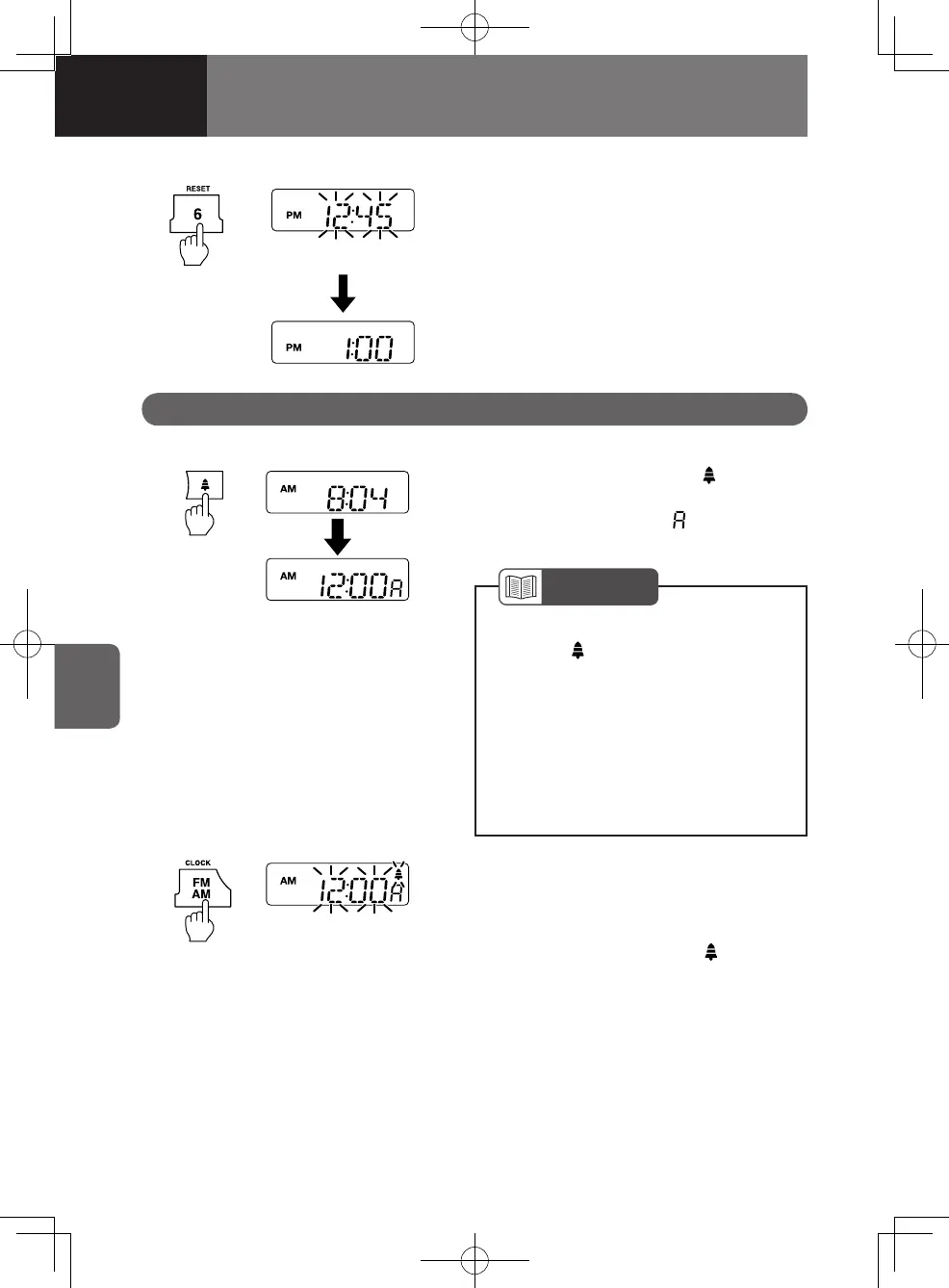
Setting the Clock to Time Signal
Press the preset button "6/RESET" while
the time adjustment mode is active to set
the time to the nearest hour.
If the minutes are less than 30, the hour will
remain unchanged. If the minutes are 30 or
more, the hour will advance by one.
Example: 12:00 – 12:29 → 12:00
12:30 – 12:59 → 1:00
Time flashes
Setting the Alarm
1. Press the alarm button " " for less
than 2 seconds to show the alarm
time in the display ("
" is indicated in
the display).
Using the Alarm
Time flashes
2. Press and hold the AM/FM button
"AM/FM/CLOCK" for 2 seconds or
more until you hear the "beep", and
the display will flash and switch to the
time adjustment mode ("
" is shown
in the display).
NOTE
Each time you press the alarm
button " ", the display will cycle
to show the "frequency, CD track
number, playtime, time of day",
"alarm time", and "time of day" in
this order.
If the alarm setting is ignored for 5
seconds, the display returns to the
time of day.
•
•
4608498sec05COMFORTANDCONVEN5-445-444608498sec05COMFORTANDCONVEN5-445-44 2015/11/0214:11:272015/11/0214:11:27



 To Next Page