EasyManua.ls Logo

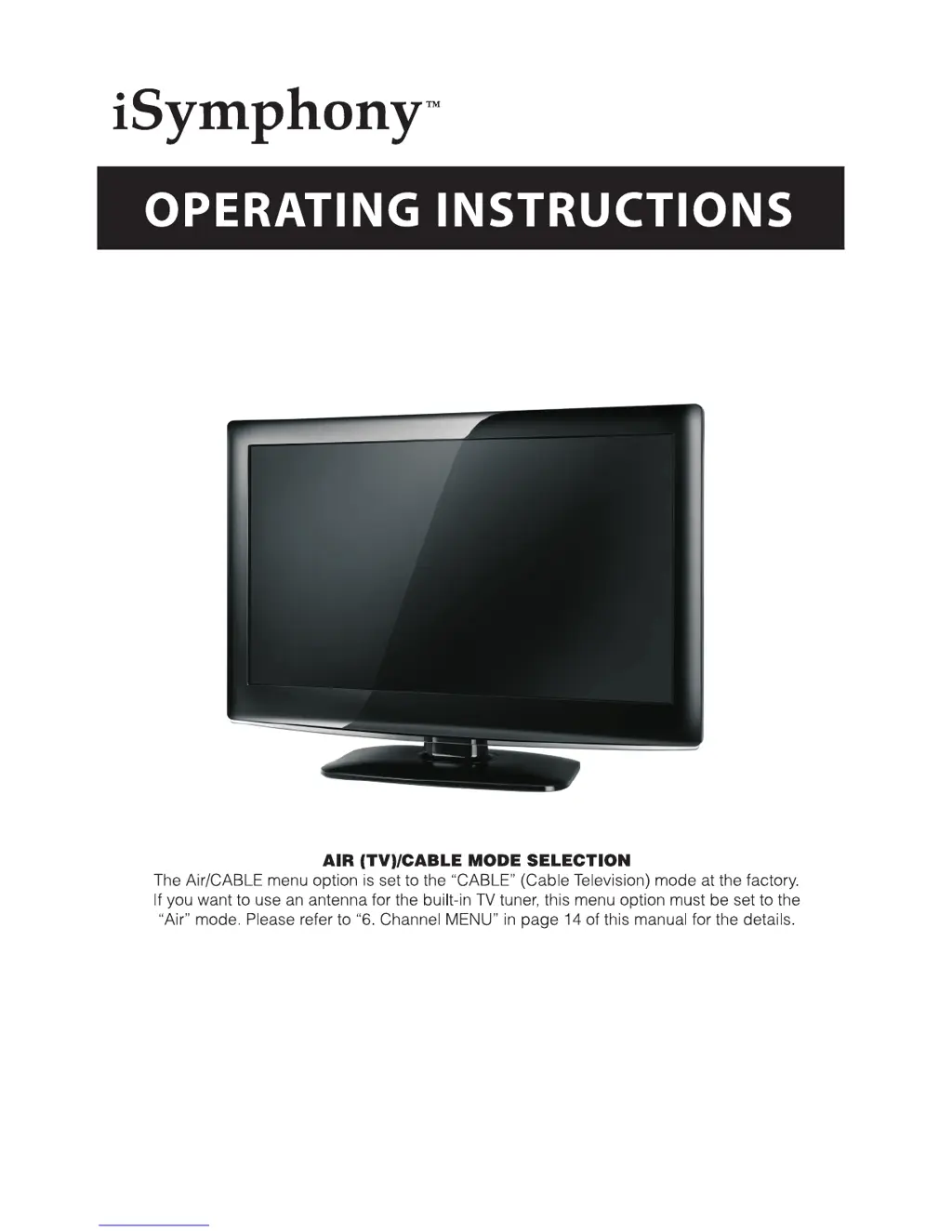
iSymphony LCD26iH56 - User Manual

iSymphony LCD26iH56
24 pages
Print Icon
To Next Page IconTo Next Page
Loading...
26" HD LCD Television with Built-in DVD Player
LCD26iH56

Other manuals for iSymphony LCD26iH56

Questions and Answers

  • D
    David RamosJul 31, 2025
    What to do if my iSymphony LCD26iH56 TV DVD Combo has picture but no sound?
    • A
      Anna LangJul 31, 2025
      If your iSymphony TV DVD Combo displays a picture but has no sound, verify that the audio isn't muted. Also, ensure that you have configured the player's audio settings correctly.
  • S
    Sydney SalinasAug 8, 2025
    How to troubleshoot iSymphony LCD26iH56 remote not working?
    • M
      Mrs. Deborah WallaceAug 8, 2025
      If your iSymphony TV DVD Combo remote control isn't working, ensure that the main unit's power button is on and that the remote batteries are working. Also, point the remote directly at the player's IR sensor, removing any obstacles in the way.
  • J
    Julie KnoxAug 15, 2025
    What to do if my iSymphony TV DVD Combo says 'BAD DISC'?
    • P
      Paul WalkerAug 15, 2025
      If your iSymphony TV DVD Combo displays 'BAD DISC', make sure the disc isn't warped, damaged, or deformed, and that it is not badly stained or damaged. Confirm that the disc format is compatible with the player. If you've tried playing a software CD, restart the player.
  • F
    frostdavidAug 22, 2025
    How to fix iSymphony TV DVD Combo when it says 'NO DISC'?
    • R
      Rachel VargasAug 22, 2025
      If your iSymphony TV DVD Combo displays 'NO DISC', make sure you have placed a disc on the tray correctly, with the correct side up. Also, ensure the disc isn't distorted, stained, or scratched.

Summary

Safety Information

Important Safety Instructions

Essential safety guidelines and instructions to follow for safe operation.

Installation

Remote Control

Remote Control Functions

Detailed explanation of each button's function on the remote control.

TV Operation

Picture and Audio Settings

Adjusting picture quality, sound settings, and timer functions.

System Setup and Parental Controls

Configuring system settings, languages, aspect ratio, and parental controls.

Channel Management

Scanning, selecting, and managing TV channels.

DVD Operation

Media Playback Options

Playing media from discs, USB, card readers, and picture CDs.

Troubleshooting

Wall Mounting

iSymphony LCD26iH56 Specifications

General IconGeneral
BrandiSymphony
ModelLCD26iH56
CategoryTV DVD Combo
LanguageEnglish

Related product manuals