EasyManua.ls Logo

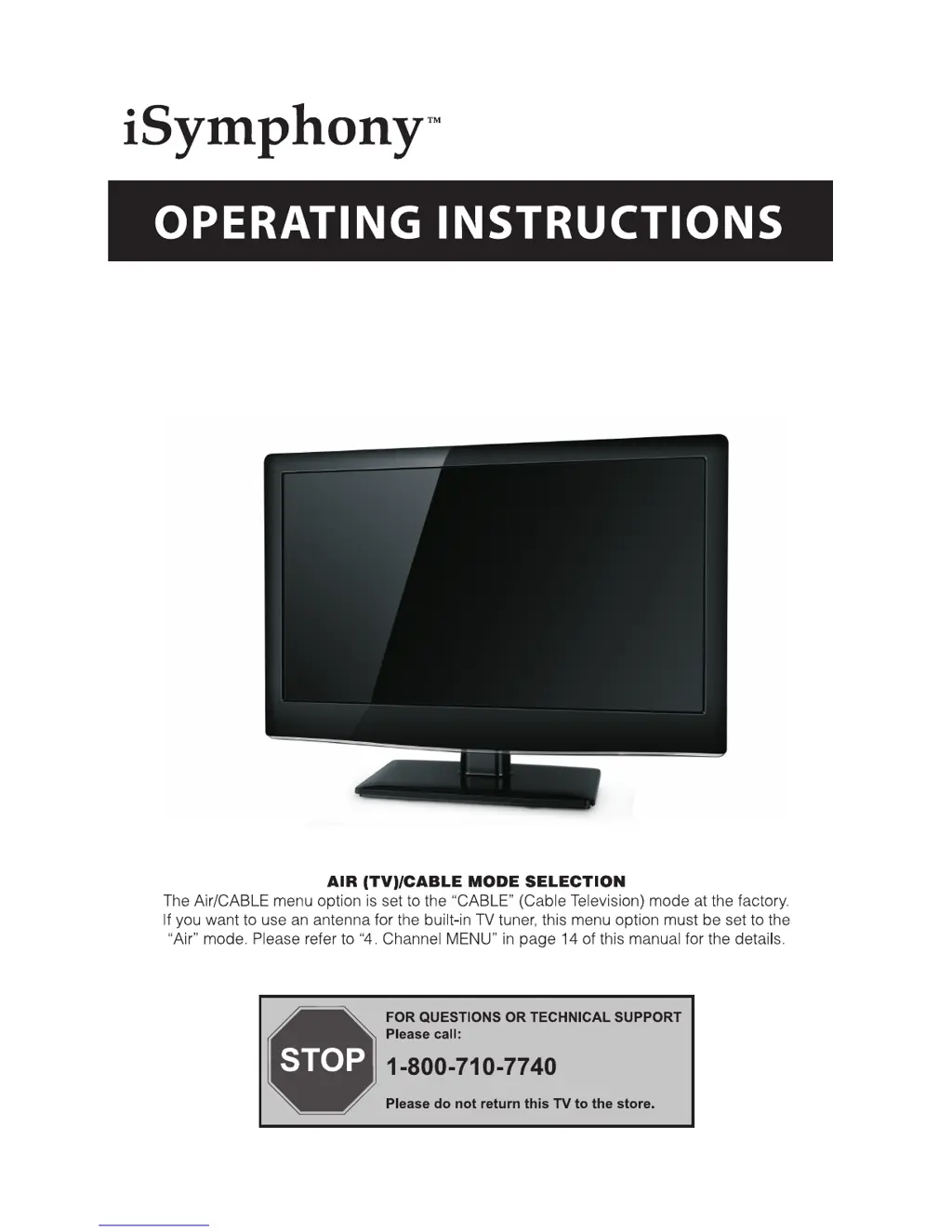
iSymphony LED19iH55D - User Manual

iSymphony LED19iH55D
24 pages
Print Icon
To Next Page IconTo Next Page
Loading...
LED19iH55D
19ā€ HD LED Backlit LCD Television with Built-in DVD Player

Questions and Answers

  • M
    Miranda ReillyJul 30, 2025
    What to do if my iSymphony LED19iH55D TV DVD Combo has no picture?
    • H
      Hannah WagnerJul 30, 2025
      If your iSymphony TV DVD Combo is not displaying any picture, make sure the power cord is properly inserted and the power switch is turned on. Also, check the contrast, brightness, and volume settings. Finally, press the standby key on the remote control to ensure the unit is not in standby mode.
  • L
    leachdanaAug 3, 2025
    Why is my iSymphony TV DVD Combo showing interference?
    • E
      Elizabeth JohnsonAug 3, 2025
      If you are experiencing interference with your iSymphony TV DVD Combo, examine the surrounding area for potential sources of interference such as electronic equipment, cars, motorcycles, or fluorescent lights.
  • M
    Maria MejiaAug 8, 2025
    What to do if the picture on my iSymphony LED19iH55D TV DVD Combo is breaking up?
    • K
      kwilliamsAug 8, 2025
      If your iSymphony TV DVD Combo picture is breaking up, try retuning the channel.
  • K
    Kylie WallAug 12, 2025
    Why is there normal picture but no sound on my iSymphony LED19iH55D?
    • A
      Ashley HortonAug 12, 2025
      If the picture on your iSymphony TV DVD Combo looks normal but you have no sound, verify that the mute function is not activated and that the audio system connections are correct.
  • D
    Deanna LynchAug 16, 2025
    How to fix snow on my iSymphony LED19iH55D?
    • L
      littlegarrettAug 16, 2025
      If you see snow on your iSymphony TV DVD Combo screen, check the antenna's position, direction, and connections to ensure they are properly set.
  • K
    kimberlywilsonAug 20, 2025
    Why is my iSymphony LED19iH55D TV DVD Combo showing a ghost image?
    • C
      Carolyn JohnsonAug 21, 2025
      If you are seeing a ghost image on your iSymphony TV DVD Combo, check the antenna position, direction, and connections.
  • C
    Carl DanielAug 25, 2025
    What to do if my iSymphony LED19iH55D TV DVD Combo has no color and I already tried adjusting the color control?
    • M
      Matthew RobbinsAug 26, 2025
      If there is no color on your iSymphony TV DVD Combo, check the TV system settings.

Summary

OPERATING INSTRUCTIONS

SAFETY AND WARNINGS

Important Safety Instructions

Critical instructions for safe operation and preventing hazards.

General Safety Precautions

Visual and textual warnings regarding TV placement, usage, and environmental factors.

INSTALLATION

Panel and Connection Layout

Identifies front panel controls, rear, and side input/output terminals.

Wall Mount

Wall Mounting Guidelines

Provides instructions and recommendations for mounting the TV on a wall.

REMOTE CONTROL

Remote Control Button Functions

Explains the purpose and operation of each button on the remote.

OPERATION

TROUBLE SHOOTING

Troubleshooting Common Issues

A guide to diagnose and resolve common picture and sound problems.

DVD OPERATION

DVD Trouble shooting

Resolving DVD Playback Errors

Addresses common errors like no picture/sound, bad discs, and remote issues.

iSymphony LED19iH55D Specifications

General IconGeneral
BrandiSymphony
ModelLED19iH55D
CategoryTV DVD Combo
LanguageEnglish

Related product manuals