EasyManua.ls Logo

it ITSBL-509 - User Manual

it ITSBL-509
11 pages
Print Icon
To Next Page IconTo Next Page
Loading...
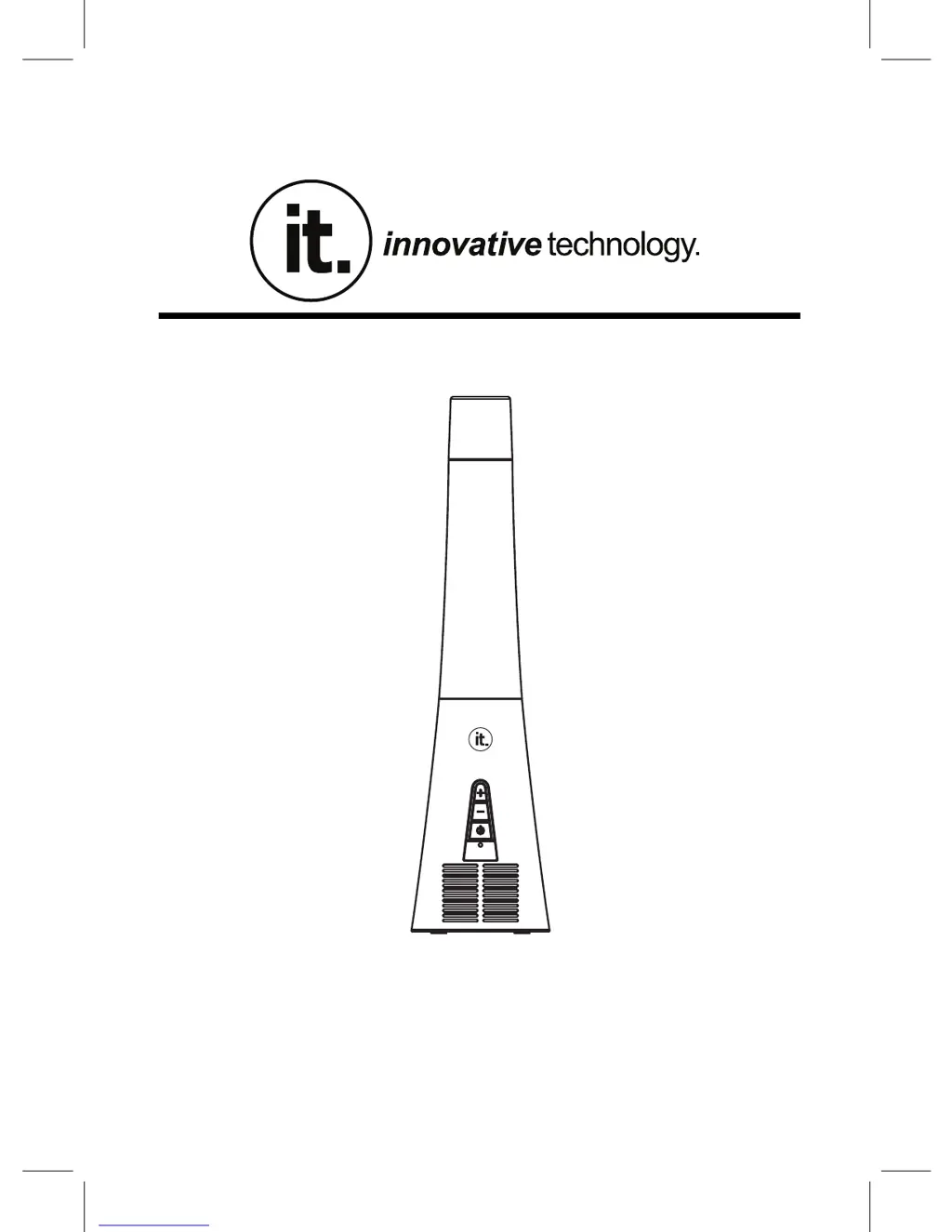
Glitter Lamp Bluetooth Speaker
MODEL:ITSBL-509
PLEASE
READ CAREFULLY BEFORE OPERATING THIS EQUIPMENT
KEEP IT IN A SAFE PLACE FOR FUTURE REFERENCE

Questions and Answers

  • A
    Abigail RamosAug 4, 2025
    What to do if my it ITSBL-509 have no sound?
    • E
      Eddie GrantAug 4, 2025
      If your it Speakers have no sound or the sound is weak, there are a couple of things you can check: * First, make sure the volume level on the unit itself isn't too low. Try pressing and holding the button to increase the volume. * Second, check the volume level on the device that's paired or connected to the speakers. It might be set too low. Try raising the volume on that device.
  • S
    Steven RussoAug 10, 2025
    Why is there sound distortion from my it Speakers?
    • L
      Lisa SmithAug 10, 2025
      Sound distortion from your it Speakers can occur if the volume level is too high either on the unit itself or on the connected device. To resolve this: * Try decreasing the volume by pressing and holding the button on the unit. * Also, reduce the volume level on the paired or connected device.
  • S
    Steven WaltersAug 18, 2025
    How to fix it ITSBL-509 Speakers when BT is not functioning?
    • A
      Andrea MuellerAug 18, 2025
      If the BT function isn't working on your it Speakers, it could be due to these reasons: * The external BT device might not be paired with the unit. In this case, you should pair the external BT device to the unit. * The external BT device might be too far away from the unit. Try placing the external BT device closer to the unit.
  • M
    Michael HowellAug 26, 2025
    How to turn on it ITSBL-509?
    • M
      Marvin GatesAug 26, 2025
      If your it Speakers won’t power on, ensure that the power switch is in the "ON" position. If it's in the "OFF" position, push the power switch to "ON".

Summary

Important Safety Instructions

Electrical Safety and Symbol Explanations

Covers warnings about electric shock, dangerous voltage, and user-serviceable parts, as well as symbol explanations.

DANGER!

Bulb and Vessel Handling Warnings

Warns against unauthorized bulbs, touching hot parts, staring at the bulb cave, and suggests safe removal.

Bluetooth Operation

Pairing and Connecting

Step-by-step instructions for pairing the speaker with an external Bluetooth device.

Playback Controls

Explains how to use buttons for play, pause, track skipping, and volume adjustment during playback.

Troubleshooting Guide

Common Troubleshooting Scenarios

Lists common problems, their possible causes, and suggested solutions for the speaker.

it ITSBL-509 Specifications

General IconGeneral
Brandit
ModelITSBL-509
CategorySpeakers
LanguageEnglish

Related product manuals