-5-
(2) Key functions and operation
Press "SET" key to choose menu and confirm the configuration.
Press “▲”“▼”adjust the currently selected menu, then press
"SET" to confirm to setting.
Long press “▲” and "▼" keys can quickly set frequency,
channels.
(3) Instructions for the LCD panel
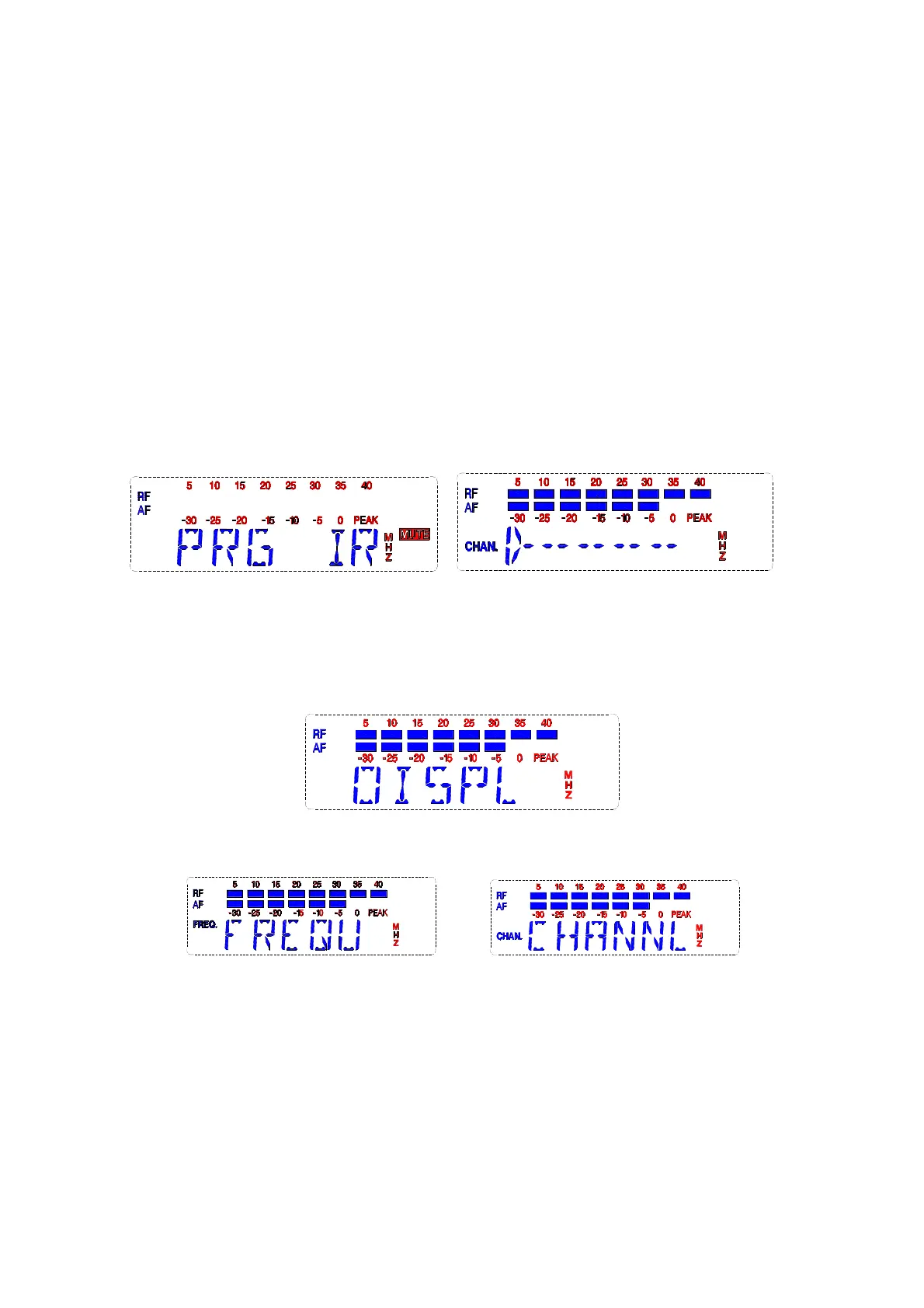
A Frequency setting: press "SET" button, select PRG IR for 2
seconds, infrared data would be sent to the transmitter.
B Menu in main display column
Press “SET” display the below:
After 2-3 seconds it will display the below:
(Note:Which of the above will be showed depends on the previous set)
This menu is for selecting the main display column, when
press “▲” or "▼" key, the LCD shows "CHANNL" or "FREQU".
Select "CHANNL" it displays the channel number, select "FREQU"
it displays the current working frequency.


 To Next Page
 Loading...