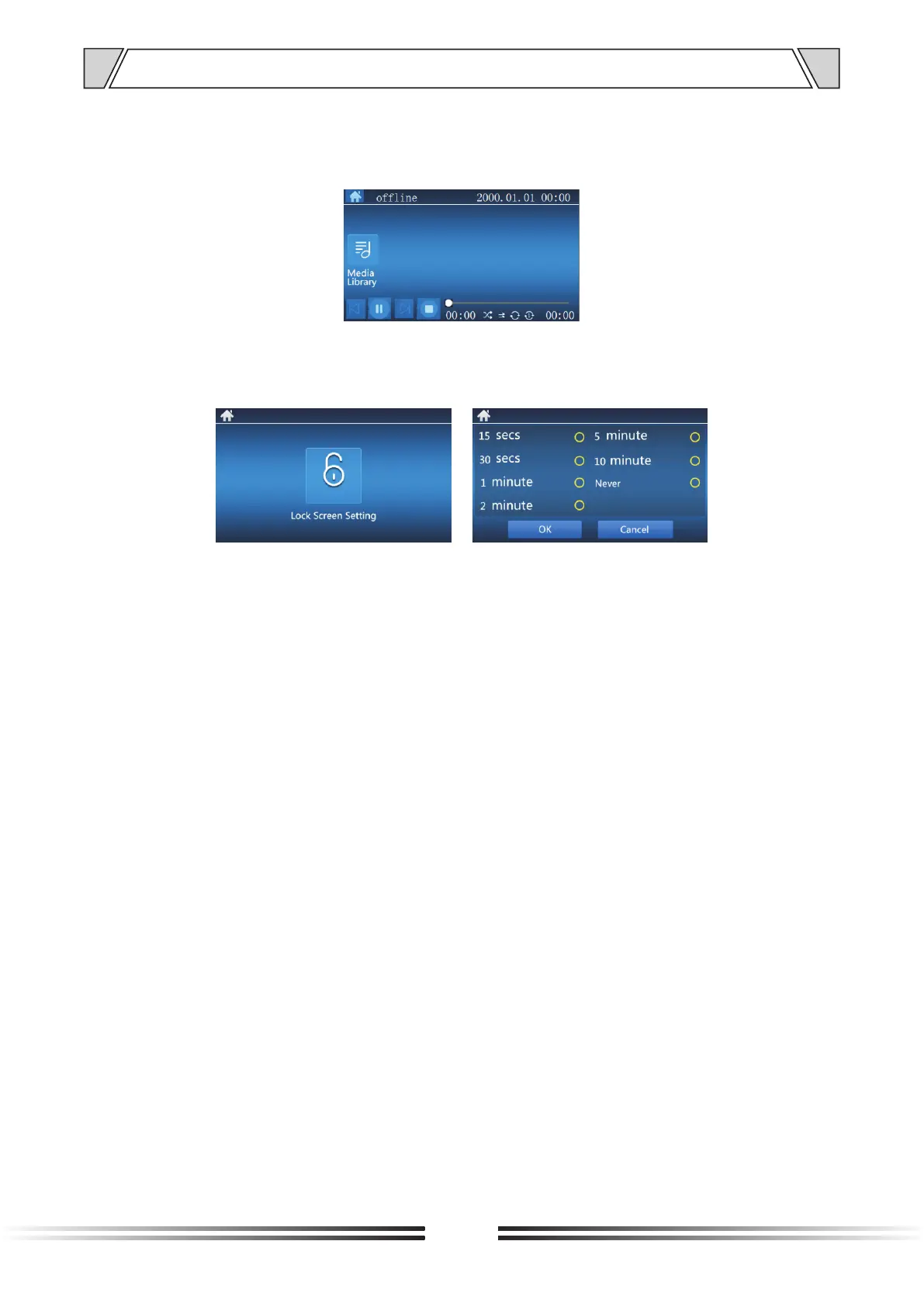
7) On the broadcasting interface of the terminal, the audio files in the media library can be freely
selected for broadcasting, support operations of the previous/stopped/next, and the play mode
of audio files, shown as below:
8)In the menu interface, you could use the direction button of the remote control to select and
enter the confirmation interface of the terminal. It supports locking the screen of terminal. The
interval of the lock screen is shown as below:
6. DISPLAY SCREEN OPERATION INTRODUCTION
11



 To Next Page