Once your solar panel has been connected to the solar
input section of the iTECHDCDC20 the charger will
transfer to solar mode when the vehicle is not running.
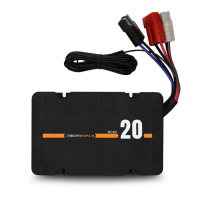
The initial default setting is for AGM/GEL batteries.
If you are charging a battery of a different chemistry,
simply change the battery type by unplugging the aux
battery, then press the battery type selector button on
the front panel of the iTECHDCDC20 and reconnect the
aux battery.
Once you have selected the new battery type the
iTECHDCDC20 will remain on this battery type until it is
changed.
Solar charging requires a solar input of 16 to 25v.
Your solar panel will need to be unregulated when
connecting to the iTECHDCDC20.
SOLAR INPUT
Once correctly installed, the iTECHDCDC20 has MPPT solar
charging for increased solar efficiency.
OPERATING THE ITECHDCDC20
USER GUIDE


 To Next Page