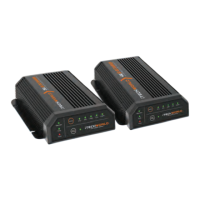
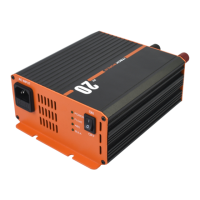
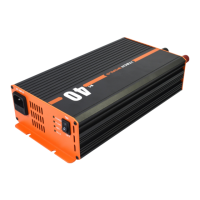
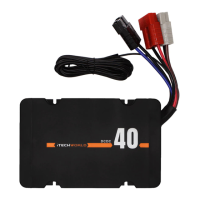
Locate where you are going to install the iTECHDCDC40.
Ensure the iTECHDCDC40 is securely mounted using the
brackets.
Ensure all cabling meets specifications and will not be
exposed to excessive heat/moving parts or abrasion.
If the charger is located in a camper/caravan we
recommend the use of an Anderson style plug between
the tow vehicle and the camper/caravan.
Fit the suitable connectors on either end of the twin core
cables.
TheiTECHDCDC40 has a shared negative internally.
Using twin core wiring between the auxiliary battery and
iTECHDCDC40 connect the red (+) to the (+ blue cable) DC
output terminal (Black Anderson plug) and the black (-)
to the (-)negative on the rear of the iTECHDCDC40. It is
recommended to install a 50Amp circuit breaker/fuse
(not included) on the positive cable between the auxiliary
battery and the iTECHDCDC40. The circuit breaker/fuse
should be located as close as possible to the battery.
The iTECHDCDC40 must be installed by a qualified auto
electrician. Installation of the iTECHDCDC40 will require
twin core wiring and suitable connectors. Anderson plug-
type connectors are supplied in the kit.
Any existing cables used in conjunction with the
iTECHDCDC40 will require checking to ensure the gauge is
correct.
INSTALLATION
USER GUIDE


 To Next Page