4
This MOTORIZED CAMERA Home Network Wi-Fi Camera and App is compatible with the devices
using iOS 8.0 and above with Wi-Fi option, or Android 5.0 and above with Wi-Fi option.
Operating Instructions
First Time Installation:
1. Turn on Wi-Fi of your phone, and then connect to the local/home network.
2. Power on: use a thin object (like a pin) to press ‘RESET’ button that is on the back of
MOTORIZED CAMERA Home Network Wi-Fi Camera until you hear beep sound, and
voice message “restore factory settings”.
3. Wait for about 30 seconds until you hear voice message “camera starts, please
configure network”.
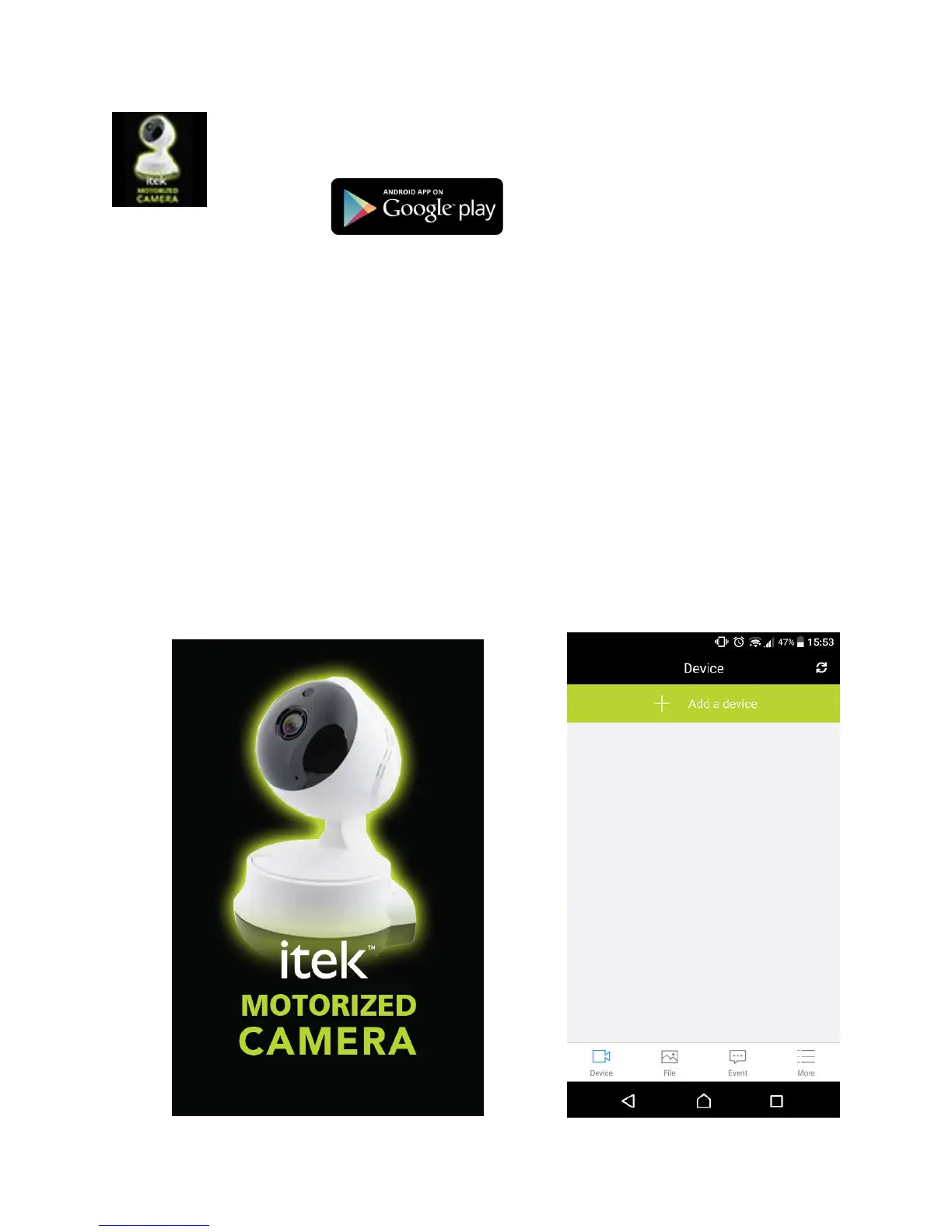
4. Turn on the “itek Camera” app, press ‘Add a device’, and ‘Quick Wi-Fi configuration’,
follow the on-screen instructions to complete the setup.


 To Next Page