EasyManua.ls Logo

Itek i58031 - User Manual

Itek i58031
12 pages
Print Icon
To Next Page IconTo Next Page
Loading...
www.itek-products.co.uk
BLUETOOTH
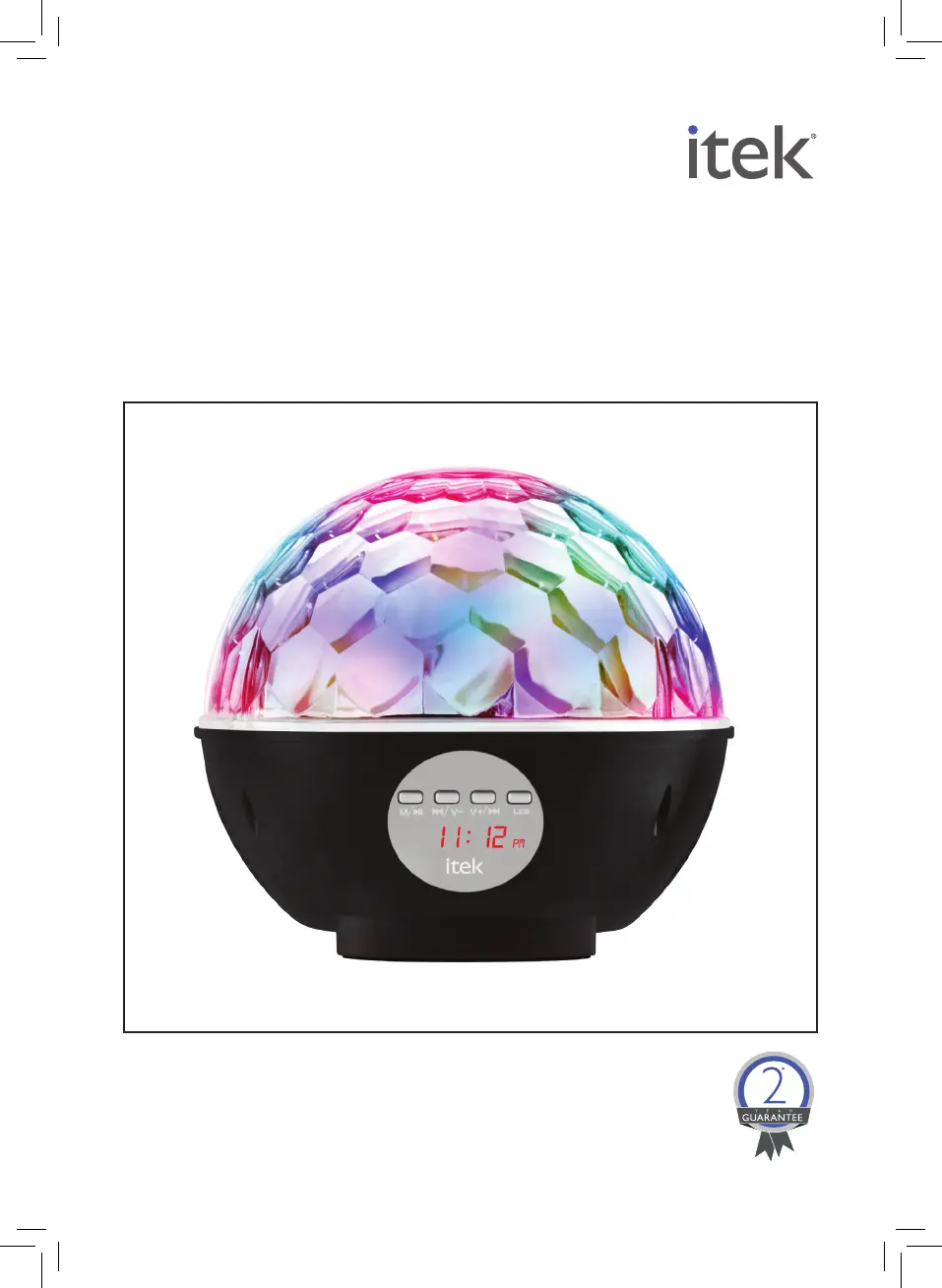
DISCO BALL SPEAKER
MODEL i58031
YOUR SAFETY &
INSTRUCTION MANUAL
PLEASE READ CAREFULLY

Questions and Answers

  • S
    Steven OrtizAug 6, 2025
    What to do if my Itek i58031 have no sound?
    • Z
      zsuarezAug 7, 2025
      If your Itek Speakers produce no sound, first ensure that your source device (Tablet, Mobile Phone, Laptop) is turned on. If it is already on, check that the Itek Speakers themselves are powered on. Also, verify that the volume on your source device isn't muted or set too low and that media is playing and not paused.
  • J
    jennifer97Aug 17, 2025
    Why is the sound distorted on my Itek i58031 Speakers?
    • J
      Jose TrevinoAug 17, 2025
      If the sound from your Itek Speakers is distorted, the battery might be running low. Try charging the battery to resolve this issue.
  • J
    Jamie HayesAug 26, 2025
    How to fix low sound level on Itek i58031 Speakers?
    • A
      Ashley GomezAug 26, 2025
      If you experience a low sound level from your Itek Speakers, the first thing to check is the volume level on your connected device (Tablet, Mobile Phone, Laptop, etc.). Increase the volume on the source. Also, ensure that the battery is sufficiently charged.

Summary

Warranty Information

Warranty Terms and Conditions

Details the conditions for the product warranty, including proof of purchase and correct usage.

Extended Warranty Registration

Information on how to register for an extended warranty period for the appliance.

Using Your Appliance

Charging the Speaker

Instructions for fully charging the speaker using the USB cord and power source.

Setting the Clock

Steps to set the clock time using the Mode, V+, and V- buttons on the speaker.

LED Disco Light Control

How to turn the LED lights on/off and change disco light patterns.

Bluetooth Pairing

Guide to pairing your Bluetooth device with the speaker via 'bt' on the LCD display.

FM Radio

Tuning FM Stations

Instructions for searching, storing, and changing FM radio stations using the device buttons.

Listening to Music using AUX-IN Mode

Connecting via AUX-IN

Steps to connect and play music from an external device using the 3.5 mm AUX-IN cable.

Usage Guidelines

Dos and Donts Summary

Key do's and don'ts for operating the speaker, including volume and environmental conditions.

Troubleshooting

Cleaning and Care

Cleaning Instructions

Wiping the casing with a damp cloth, avoiding immersion in liquid, and not using abrasives.

Disposal of the Unit

Recycling and Disposal

Guidance on proper disposal and recycling of the appliance according to WEEE directive.

Itek i58031 Specifications

General IconGeneral
BrandItek
Modeli58031
Power SourceUSB
Frequency Response20Hz - 20kHz
Sensitivity85dB
Cable Length1.2m
TypeSpeakers

Related product manuals