EasyManua.ls Logo

Itek I60011 - User Manual

Itek I60011
12 pages
Print Icon
To Next Page IconTo Next Page
Loading...
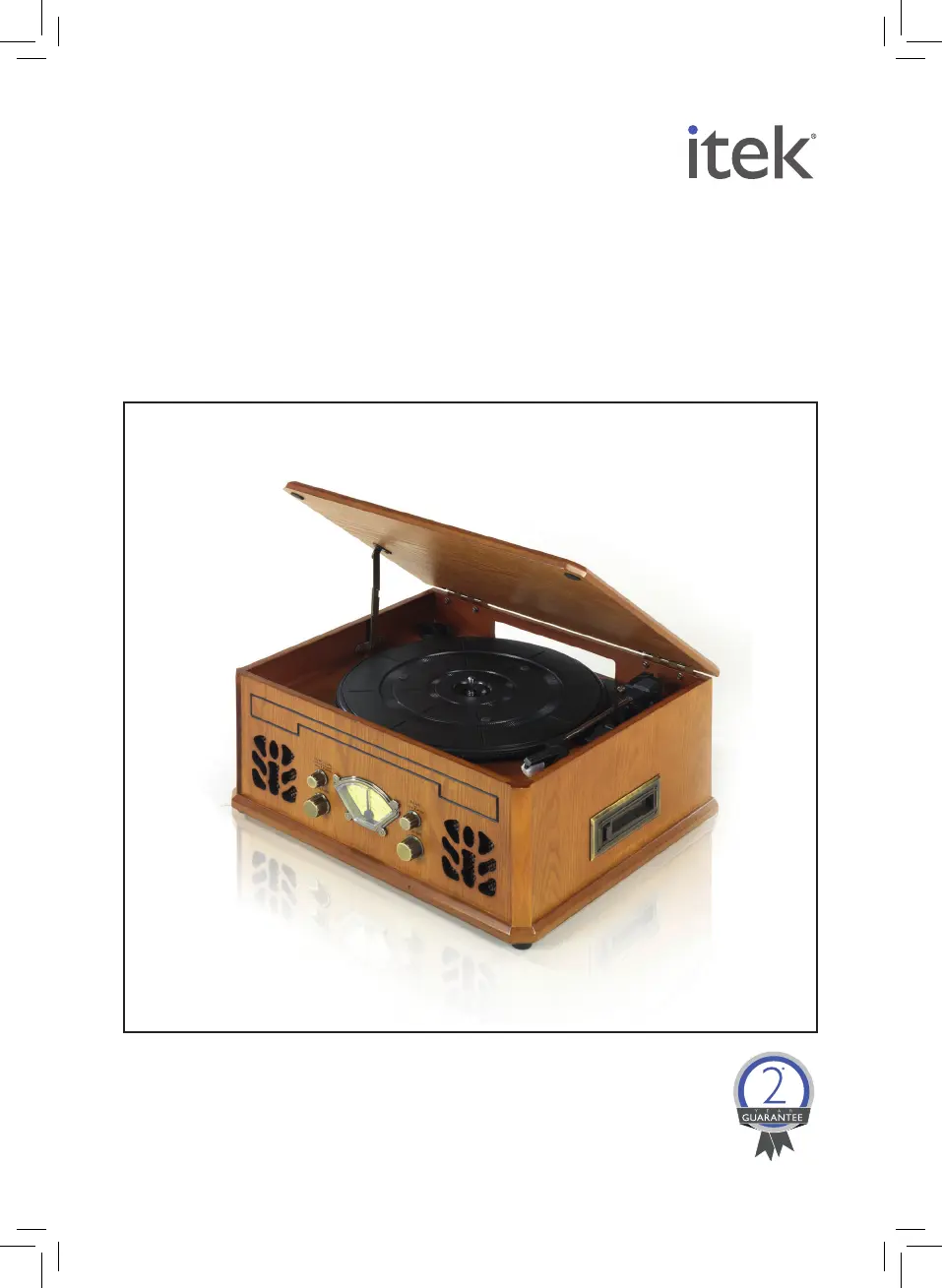
NOSTALGIC
MUSIC SYSTEM
MODEL I60011
YOUR SAFETY &
INSTRUCTION MANUAL
PLEASE READ CAREFULLY
www.itek-products.co.uk

Questions and Answers

  • G
    Gary GibsonAug 4, 2025
    What to do if no sound comes out of Itek Media Converter speakers?
    • M
      michaelrushAug 4, 2025
      If you're not getting any sound from the speakers, make sure the volume isn't turned all the way down. If it is, adjust the volume. Also, ensure that the input selector matches the playback source. If it doesn't, re-select the correct input source.
  • K
    Karen OnealAug 8, 2025
    What to do if Itek I60011 Media Converter does not turn on?
    • W
      Wendy LongAug 9, 2025
      If the unit doesn't turn on, the most likely cause is that it's not plugged in. To solve this, connect the unit to the AC power supply.
  • M
    Mrs. Michelle ClarkAug 13, 2025
    Why does my Itek I60011 Media Converter CD stop immediately after starting?
    • S
      Shelly TaylorAug 13, 2025
      If the CD stops immediately, or the unit pauses during playback, it could be that the CD is inserted upside down. Make sure to insert the CD with the printed side up. Another possibility is that the CD is dusty, dirty, or has condensation on it. In that case, carefully clean and dry the CD.
  • K
    Keith MillerAug 19, 2025
    Why does the sound from my Itek I60011 CD sound distorted?
    • D
      David HouseSep 12, 2025
      If the sound from a specific CD is distorted, or playback stops or skips, the CD might be scratched, damaged, or warped, and you should change the CD. Alternatively, the disc might be dirty, so carefully clean the CD.
  • L
    lebradAug 23, 2025
    What to do if Itek I60011 does not pick up a station?
    • L
      Lisa ShieldsAug 25, 2025
      If the unit isn't picking up a station or the signal is weak, try re-tuning the unit to your desired station. Also, a nearby TV or appliance might be interfering with the radio reception. Try turning off any nearby TVs or appliances.
  • A
    angelabradleyAug 28, 2025
    How to re-orient the antenna of Itek Media Converter?
    • A
      Alex FoleyAug 29, 2025
      Re-orient the antenna until reception improves.

Summary

Product Safety

General Usage Precautions

Ensuring correct voltage, stable placement, supervision, and age-appropriate use.

Operational Safety

Safe practices for operation, cord management, and accessory usage.

Liquid Immersion Warning

Strict warning against immersing the appliance or its parts in water or liquids.

Cord and Edge Safety

Precautions regarding cord placement to prevent hazards and damage.

Whats In The Box

Components List

Detailed list of included items such as manual, music system, and adaptor.

Part Identification

Diagrams and labels identifying front, side, and top views of the appliance.

Initial Setup Instructions

Steps for preparing the appliance before first use, including assembly and disposal.

Using Your Appliance

Appliance Placement

Guidelines for positioning the unit on a stable, dry, and well-ventilated surface.

Record Player Operation

Instructions for setting up and playing records, including stylus and turntable adjustments.

Radio Operation

Steps for tuning and selecting radio stations using the function and tuning knobs.

CD and Cassette Player Functions

CD Player Usage

Instructions for operating the CD player, including loading, playing, pausing, and stopping discs.

Stylus Care and Auto Stop

Guidance on removing, replacing the stylus, and understanding the auto-stop feature.

Cassette Player Operation

Steps for playing cassette tapes, including fast forwarding and ejecting.

Cleaning and Care

CD Cleaning Guide

Methods for cleaning CDs, including material use and environmental precautions.

Lens Cleaning

Instructions for cleaning the CD player lens to ensure proper playback.

Disposal Information

Guidance on the responsible disposal of the unit according to WEEE directives.

Troubleshooting

Power and Sound Issues

Solutions for units not turning on or having no sound from speakers.

Radio Reception Problems

Tips for improving radio signal reception and resolving tuning issues.

CD Playback Errors

Troubleshooting steps for CD skipping, pausing, or distorted sound.

Itek I60011 Specifications

General IconGeneral
BrandItek
ModelI60011
CategoryMedia Converter
LanguageEnglish