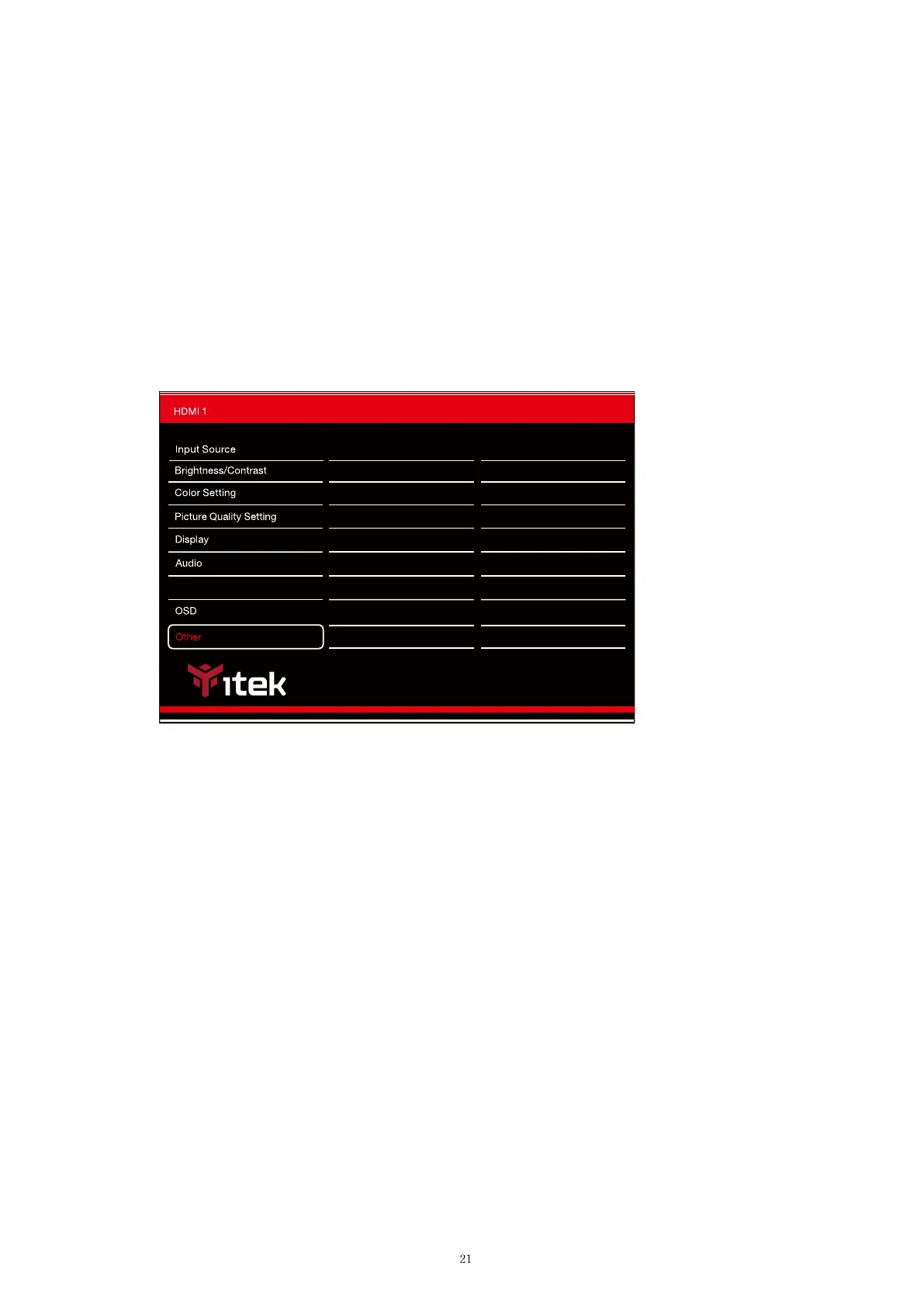
Menu Transparency:Change the transparency value of the OSD Menu from 0 to 100.
OSD Timer:Change how long the OSD Menu is on before it automacally exits.
Menu Rota�on:Rotate the OSD Menu.
HDR:Turn HDR On(requires HDMI 2.0 input).
Reset: Restore factory default seng.
H. Other Set�ngs
FreeSync Mode:Turn FreeSync On or O.
Multi-Window
FreeSync(Adaptive Sync) Off
OffHDR
Reset
Resoltion:2560 x 1080 100Hz
@
InputSource:
HDMI 1
Resolution:
2560x1080 100Hz
@
Window1:



 To Next Page