User Guide
8
6 Gallery
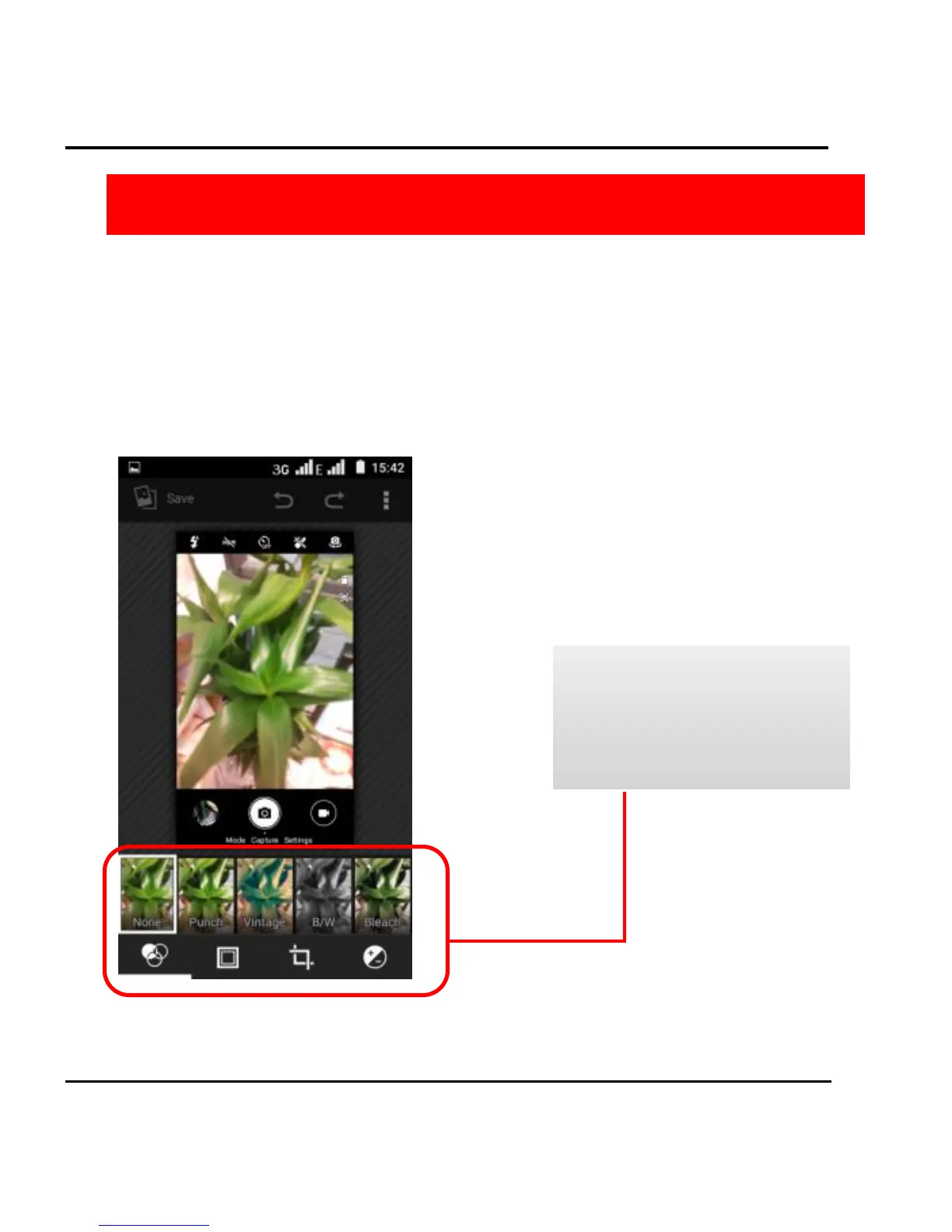
You use gallery to view pictures that you have taken with Camera,
downloaded, or copied onto your SD card or USB storage. You can
perform basic editing tasks on pictures and set them as your
wallpaper or contact photo. You can also share your pictures with
friends, via email or messages, or by uploading them to the
YouTube web sites.



 To Next Page