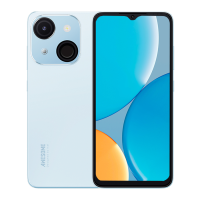
6 CAMERA
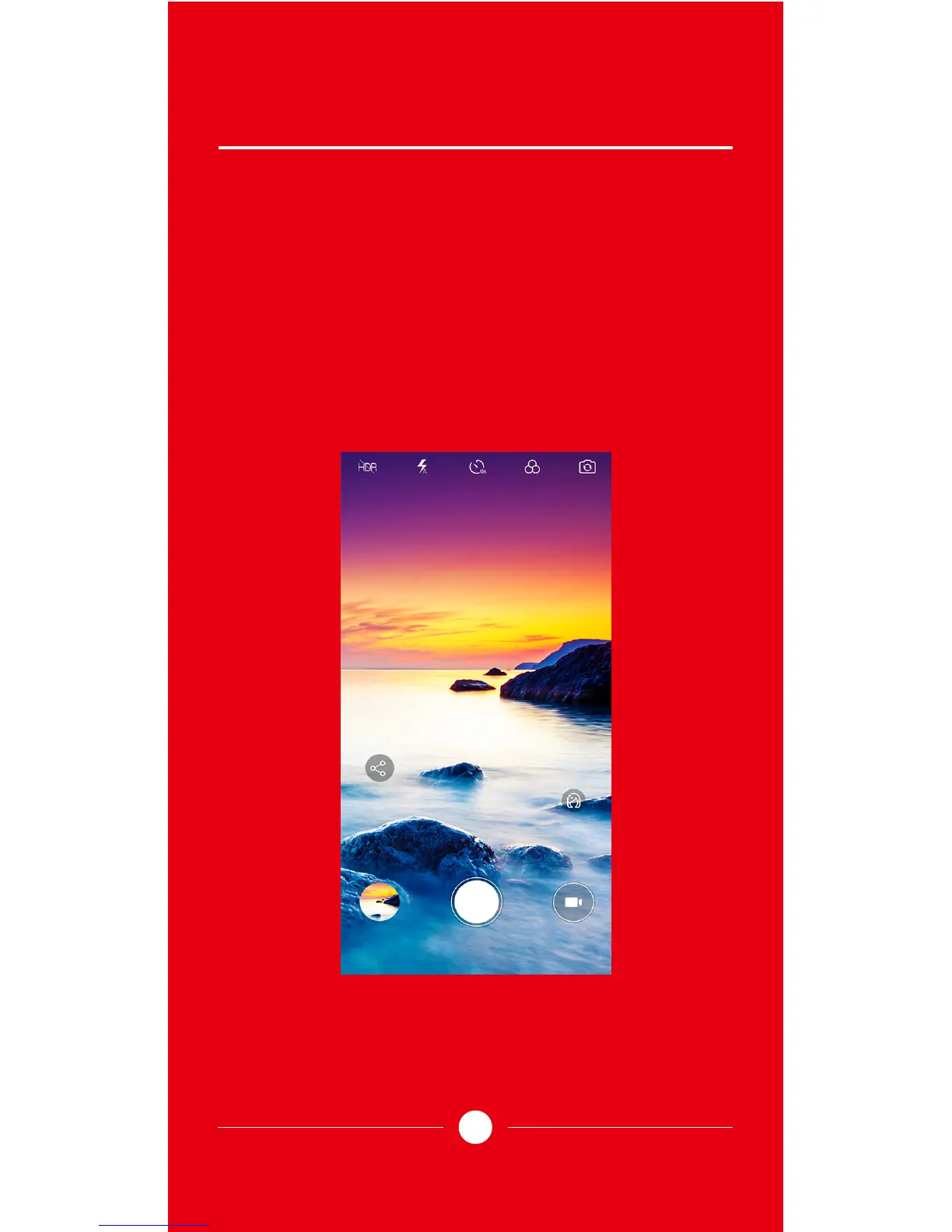
You can select the camera APP to take photos. You
can switch the rear camera and front camera to
take photo on camera APP, you can select Beauty
or PANO or Lowlight mode to take photo in
dierent environment. You can generate photos
into dierent eect by using a Filter or Vignette or
Watermark.
10


 To Next Page