Page|2
Welcome
Dear Customer,
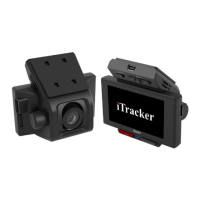
Thank you for purchasing this car camera. The iTracker STEALTHcam has been specifically developed
to record real-time video while driving your vehicle. Please read this manual carefully and follow the
instructions.
Safety
This manual is intended to familiarize you with the operation of this product.
Keep these instructions handy so that you can access them anytime.
Any modification of the camera affects the product safety and voids the warranty.
Never open the camera as there are no user serviceable parts.
Handle the camera carefully. It can be damaged if dropped.
Keep the camera away from moisture and extreme heat.
Do not immerse the iTracker in water or other liquids.
Technical changes are at the manufactures digression.
1. Important instructions
This camera has been fully configured by us prior to shipment and is up to date. A memory card is not
included with the camera; therefore one must be purchased separately. We recommend 32MB
(maximum), Class 6 or higher.
A protective film has been placed on the display screen. Please leave the film on the display screen
while you setting up the iTracker as this will protect it from possible damage. The camera lens also
has protective film. To avoid fingerprints on the lens, we recommend the removing it only after the
camera has been positioned on the windshield and the viewing angle has been verified.
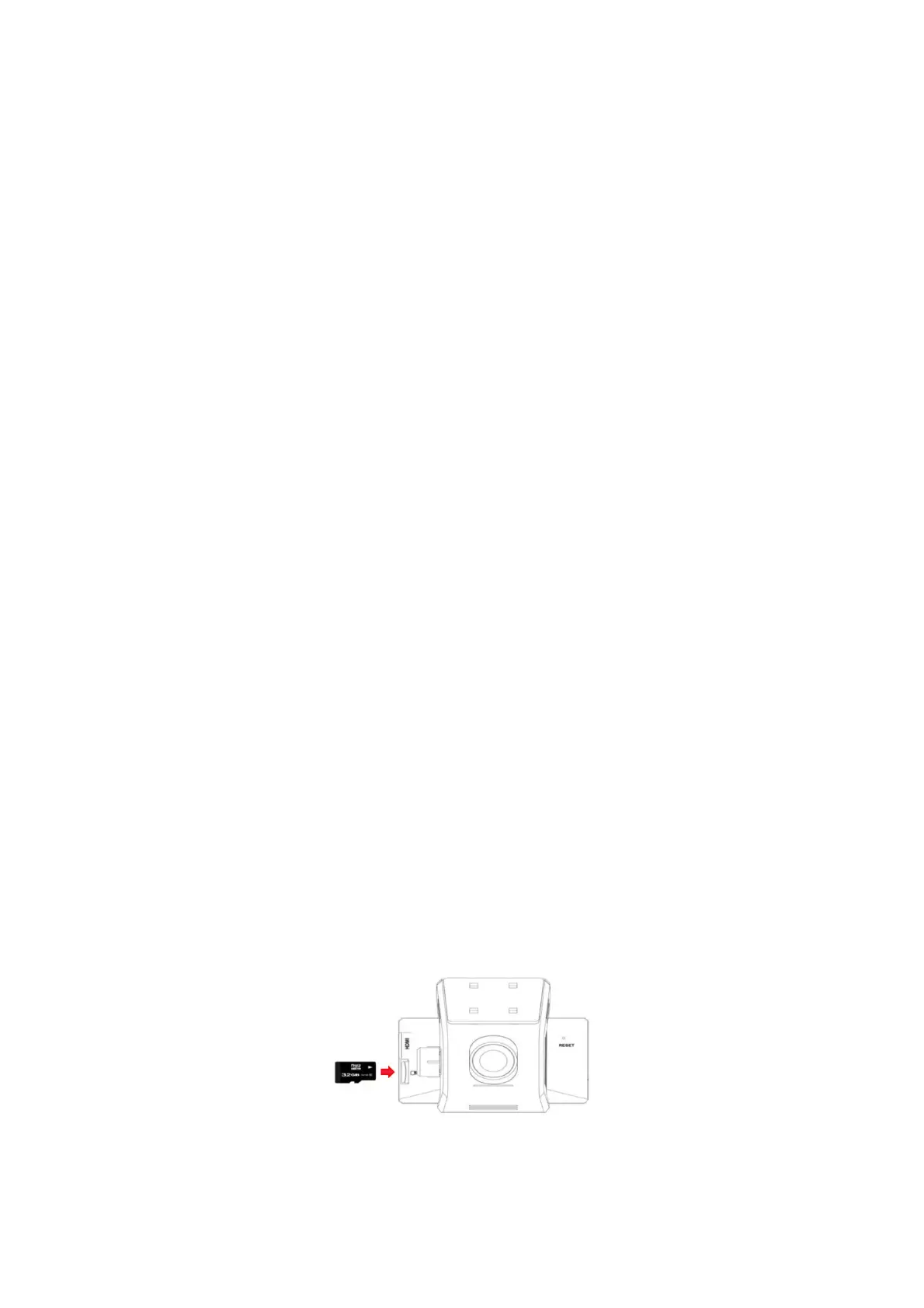
Place the memory card in the micro SD slot located on the right side of the iTracker with the gold
contacts inserted first into the iTracker. The gold contacts should face towards the display screen.
Press the memory card carefully until you feel slight resistance and then you will hear a click.
Remove memory card
Press gently on the edge of the card, the memory card will eject.
Do not install or remove the memory card while the device is switched on as this can damage
the card.
Use only memory cards up to 32GB maximum, Class 6 or higher.
Reformat your Micro SD card in the iTracker every 6 months.
Micro-SD cards are consumables and must be replaced after prolonged use.
The camera must be connected to the car charger cable in order to automatically turn on and off. The
cigarette lighter socket should only receive power when the ignition is turned on. If the cigarette
lighter is powered independently (always on) the camera should be turned on and off manually to
avoid draining the vehicle’s battery.


 To Next Page
 Loading...