97
Section 9. Optional Equipment and Accessories
79-0003-003 22 October 1999
Using an External CD-ROM
You can use an external CD-ROM drive to copy files to the mobile
computer or access information from a CD. Before you connect an
external CD-ROM to the computer, check these things:
• Make sure you are using an external CD-ROM that is approved for
use with the mobile computer.
• If necessary, follow the instructions provided with the CD-ROM to
install the correct device drivers on the computer.
After following the appropriate setup procedures, you can access the
external CD-ROM by using Windows Explorer or My Computer. Use the
drive letter that corresponds to your hardware configuration.
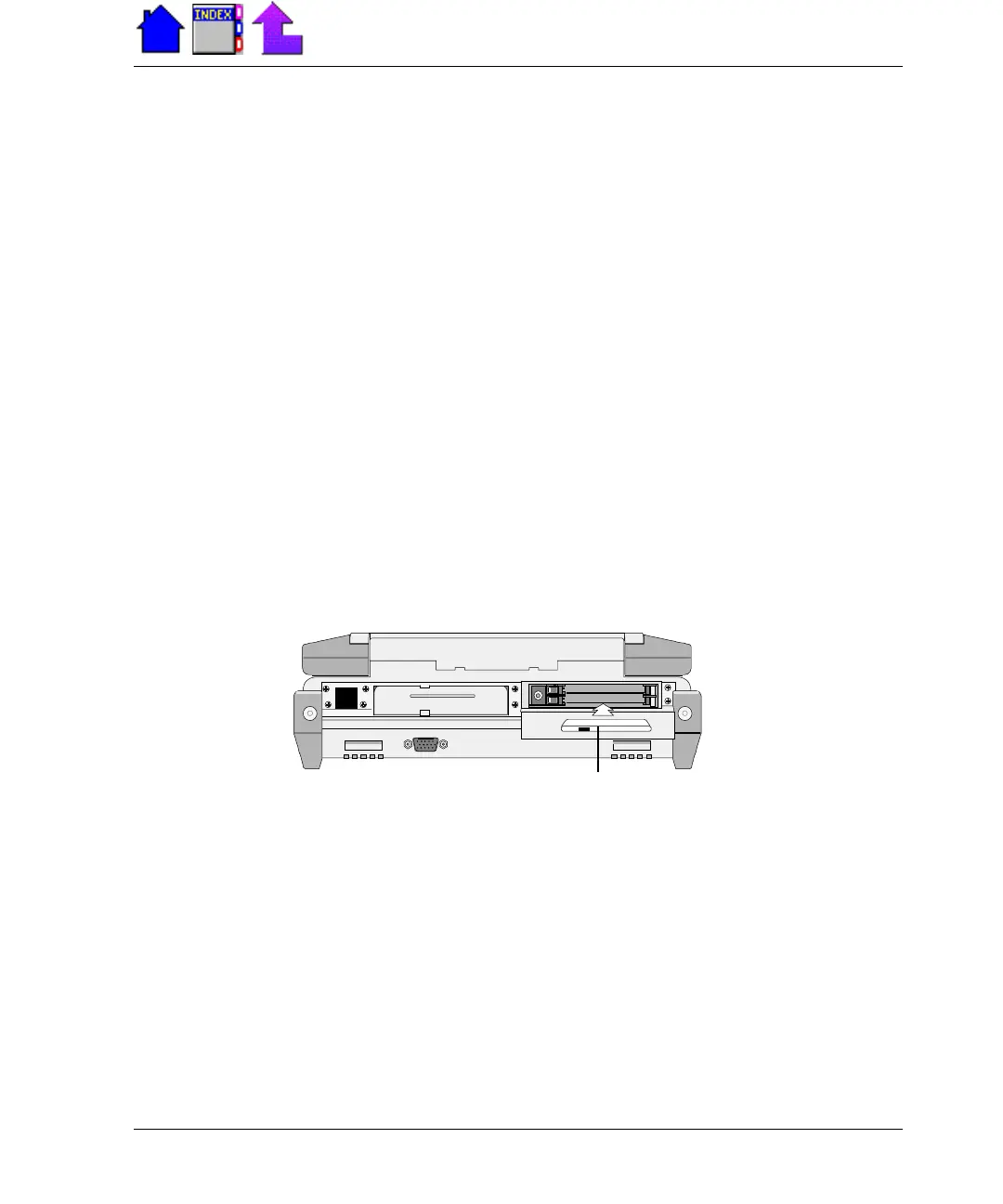
To connect an external CD-ROM
1 Connect the CD-ROM cable to your CD-ROM drive.
2 Open the PC Card door on the back of the computer and insert the
PC Card connector into the socket.
3 Turn on the CD-ROM drive.
PC Card
Connector



 To Next Page