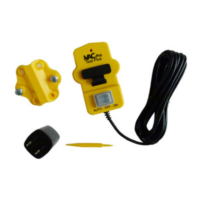
Once the RF communication between each iVAC Product is confirmed, you are ready to install each iVAC Product to its designated position.
For Tool Plus / Tool Advantage Sensor:
Please remove power to the product before making any DIP switch position changes. Once done, reapply power. This will ensure that the switch positions
are read by the products.
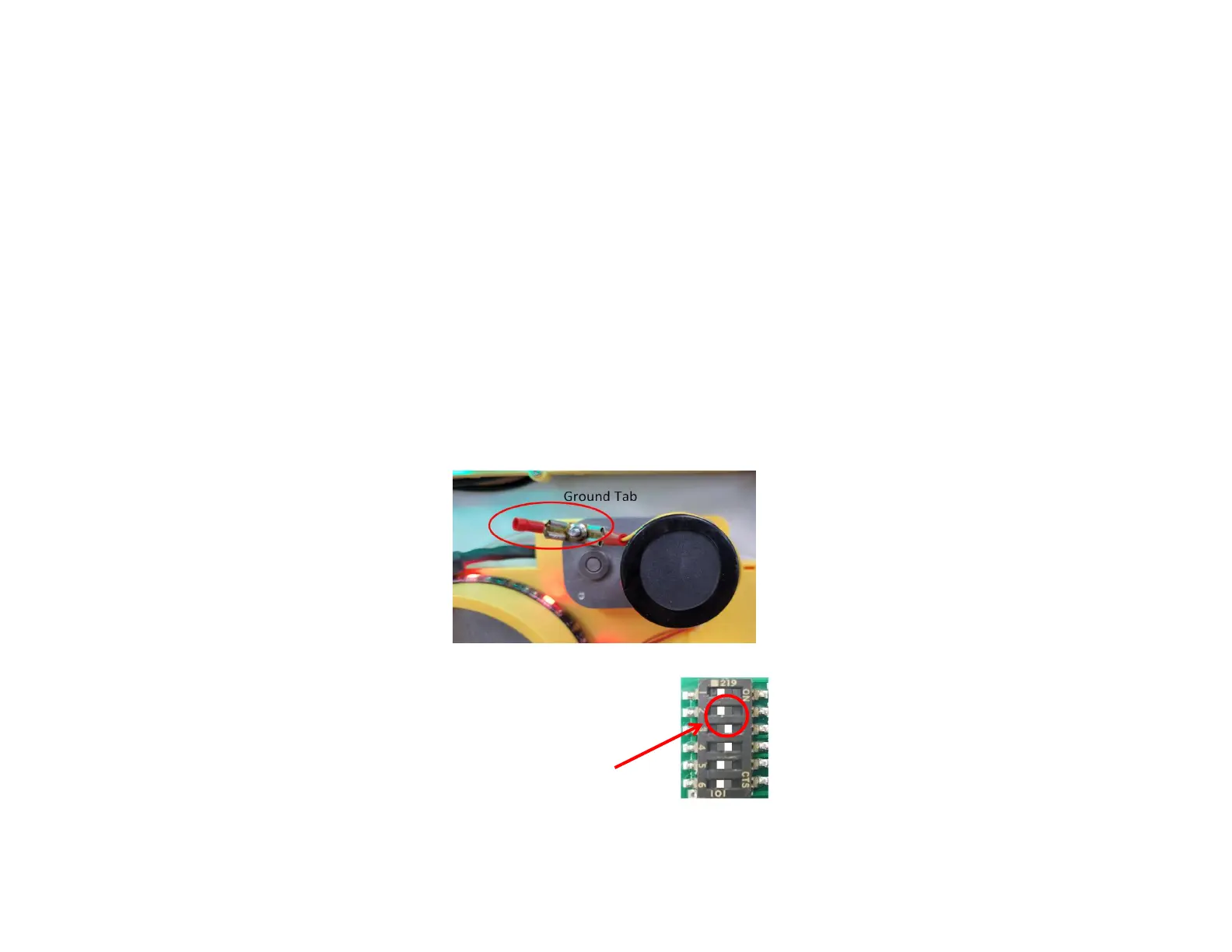
1. Please make sure the blast gate and ducting are
grounded properly before powering up the gates.
Otherwise the static charge accumulated in the
ducting may cause static damage to the gate and
power adapter
2. If S3 is set to OFF (default), blast gate will close after 50 seconds, after that
the power tool will turn off. If S3 is set to ON, the blast gate will close after 2
seconds.
S3 must be in the ON position for the normally open blast gate address 1.
The Pro Tool Plus / Tool Advantage senses a magnetic field. It must be mounted 12" to 18" away from any source other than what you want to detect.
This includes motors, transformers, power lines behind walls or other devices which produce magnetic fields. To test for interference, set the Pro Tool Plus
to the OFF position and the power tool OFF. The LED will flash if there is interference.
Adjust trim pot on sensor if necessary. CW to reduce sensitivity, CCW to increase sensitivity
Adjust trim pot on sensor if necessary. CW to reduce sensitivity, CCW to increase sensitivity
Adjust trim pot on sensor if necessary. CW to reduce sensitivity, CCW to increase sensitivity
Observe the activity of the LED at the front panel of the sensor:
1. When power tool is OFF - LED must be steady OFF
2. When you turn on power tool - LED shall flash for a few second then steady ON
3. When you turn off power tool - LED shall flash for a few second then steady OFF
If LED is flashing when power tool is OFF, move the sensor further away from wall outlet, power panel, other power cables or power tools


 To Previous Page
 Loading...