6
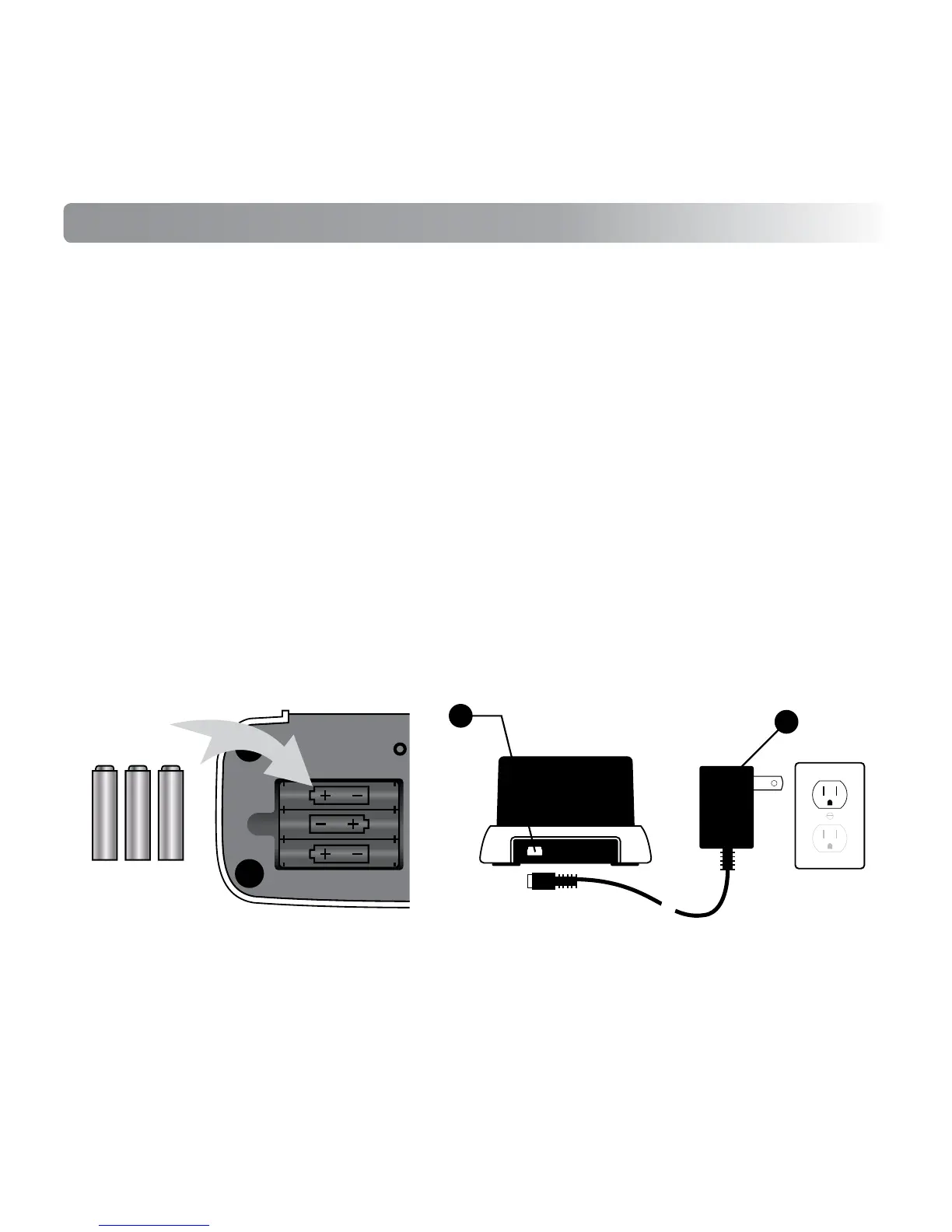
3 AAA
Batteries
PRELIMINARY SETUP
1. Remove the plastic screen guard on ivee's LCD screen.
2. Remove the battery compartment cover by pushing the latch and lifting the
cover off.
3. Insert 3 AAA batteries into the bottom battery compartment matching the
polarity as shown below.
4. Replace the battery compartment cover.
5. Use the correct side of the USB cable (1) to plug into
ivee. Use the opposite
side of USB AC/DC adapter to plug into a wall outlet and
ivee will power up.
6. To activate
ivee, say "Hello ivee" (pronounced "ivy") or press down firmly on
the top of the LCD screen.
7.
ivee will begin the initial setup.
1
2



 To Next Page