3
2. Introduction to Desktop
You need to log on your Microsoft account before the application program completely
runs.
Slide to right Slide to left
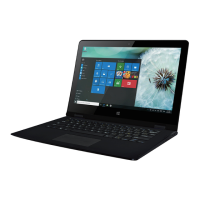
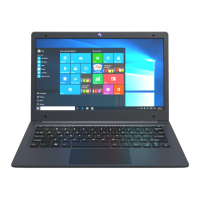
2.1 Windows Start Menu: Press Win on the keyboard or click
on the screen, you can see the Start Menu. These application
programs are displayed in the form of “magnet” and list. As
long as you click them, you can easily visit them.
2.2 Image slide applications
Slide to the right from the left
side of the screen to start the
application program in running.
Slide to the left from the right side
of the screen to start Charm menu
column.

 To Next Page
 Loading...