3.5 Dual-Screen application
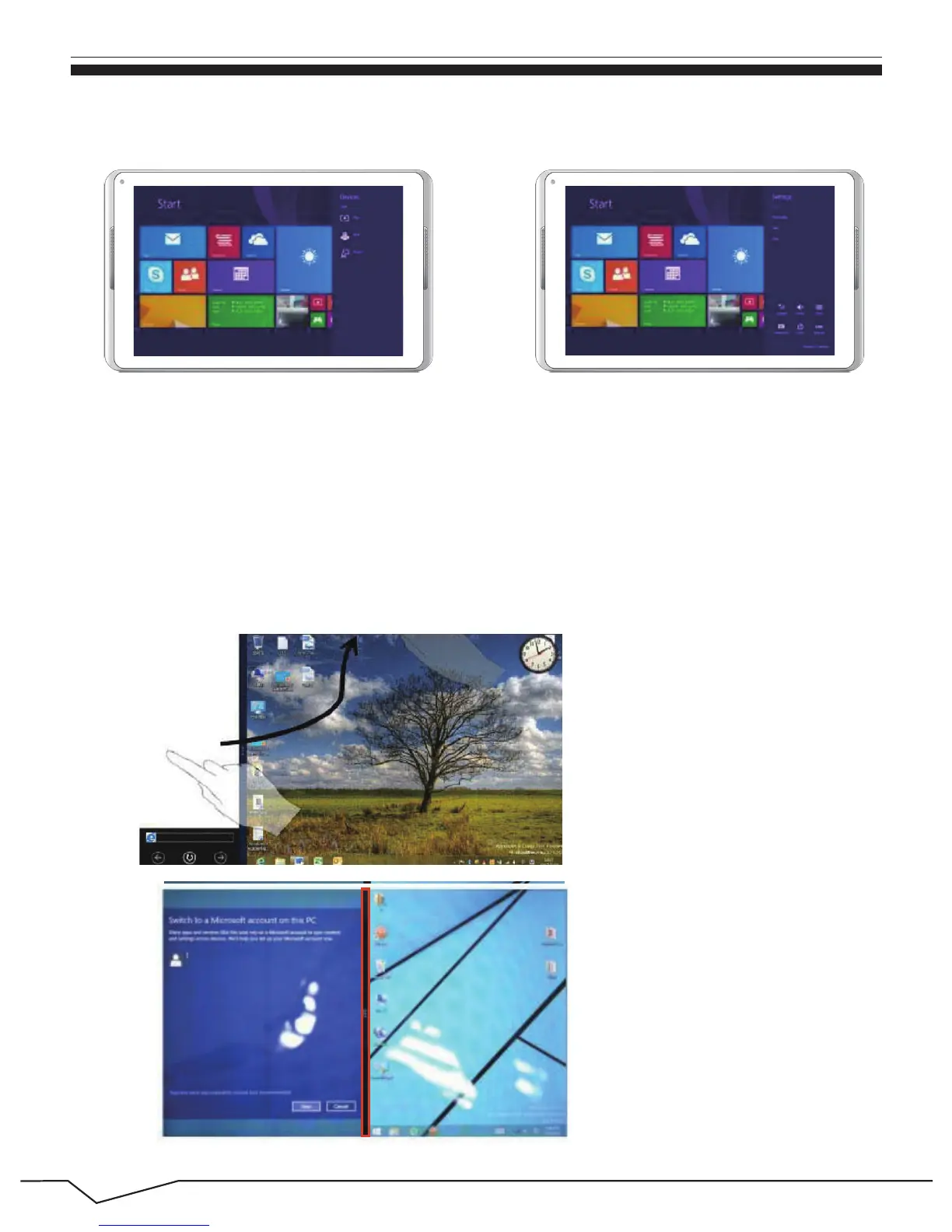
Device Menu Set up Menu
(Figure 1)
(Figure 2)
9
On My Computer in (Figure 1), slide it inward from the left side of the screen,
drag it and hold. Let go when seeing double interfaces appear. In (Figure 2),
press the partition button on the middle partition line and drag right and left to
partition the display proportion of the double screens.

 To Next Page
 Loading...