2. User interface
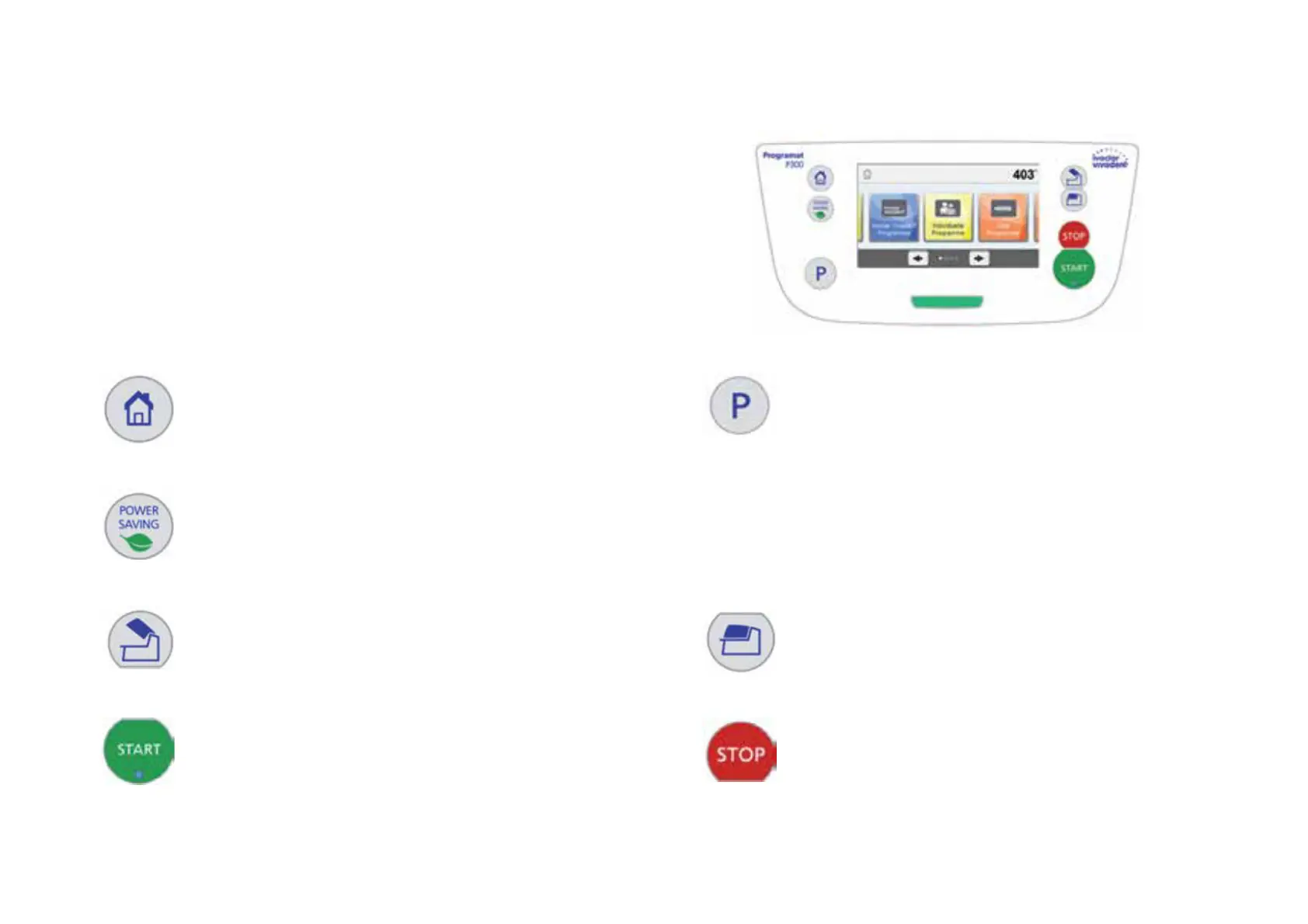
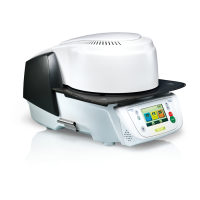
The Programat P310 has a wide-screen colour display. The keypad and the
touch screen allow user-friendly handling. By tapping slightly with your finger-
tips on the touch screen, the buttons are activated and the furnace performs the
requested function.
Keypad:
Home
Returning to «Home» screen (main menu)
Program key
Pressing once: The currently selected program is
displayed.
Pressing twice:
The program selection via number entry is accessed.
Power-saving key
This key activates the power-saving function.
Open furnace head Close furnace head
START (Start LED)
Starts the selected program. The green LED indicates that a pro-
gram is running. If the program is paused (1 x STOP), the Start LED
flashes until renewed pressing of START results in the program being
resumed.
STOP
A running program can be paused by pressing the
STOP key and terminated by pressing the key twice.
Movement of the furnace head can be stopped at any
time by pressing STOP. Acoustic signals can be turned
off by pressing the STOP key.


 To Next Page