20
B. VIEW MEDIA
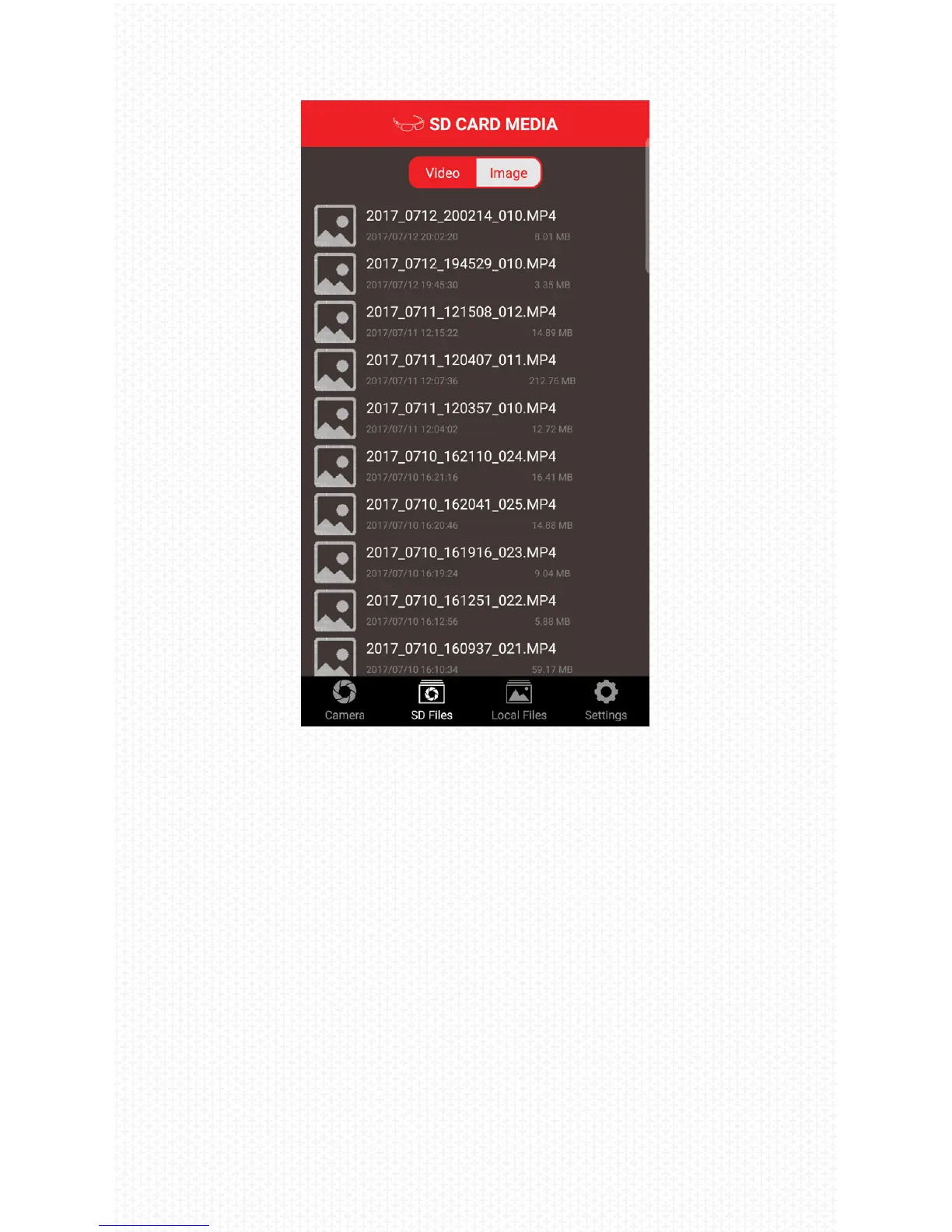
1. SD Card Media
This folder displays the photos and videos contained
on the SD card of the Rincon. Open les to preview
them. Select les to transfer/save them to your iOS/
Android device. After the les are saved to your de-
vice, they will display in the Saved Media folder.
2. Saved Media
This folder displays the photos and video that are
saved within the iVUE Rincon app; these les will
display even when you are not connected to the
Rincon. Open les to preview them. Select les
and share them to your desired app or to your iOS
Photos or Android Gallery Apps.



 To Next Page