22
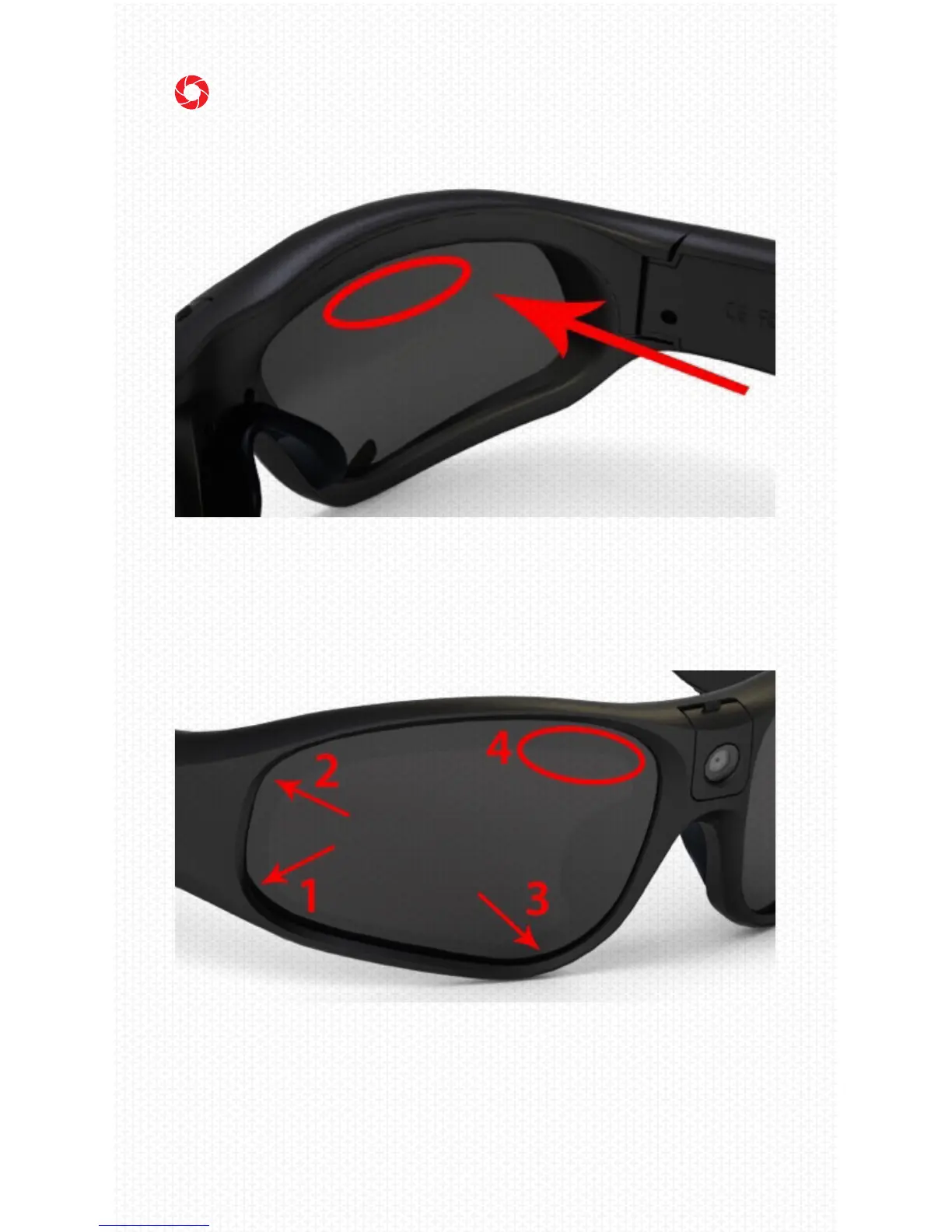
A. REMOVE LENSES
To remove lenses, hold the glasses and rmly push
out on the area indicated by the red oval.
B. INSTALL LENSES
To install lenses, insert the lens into the glasses
frame starting with area 1, then 2, and 3; then rmly
push down on area 4 until you feel the lens click into
place.
10. CHANGING LENS



 To Next Page