HUEN
3. Operation
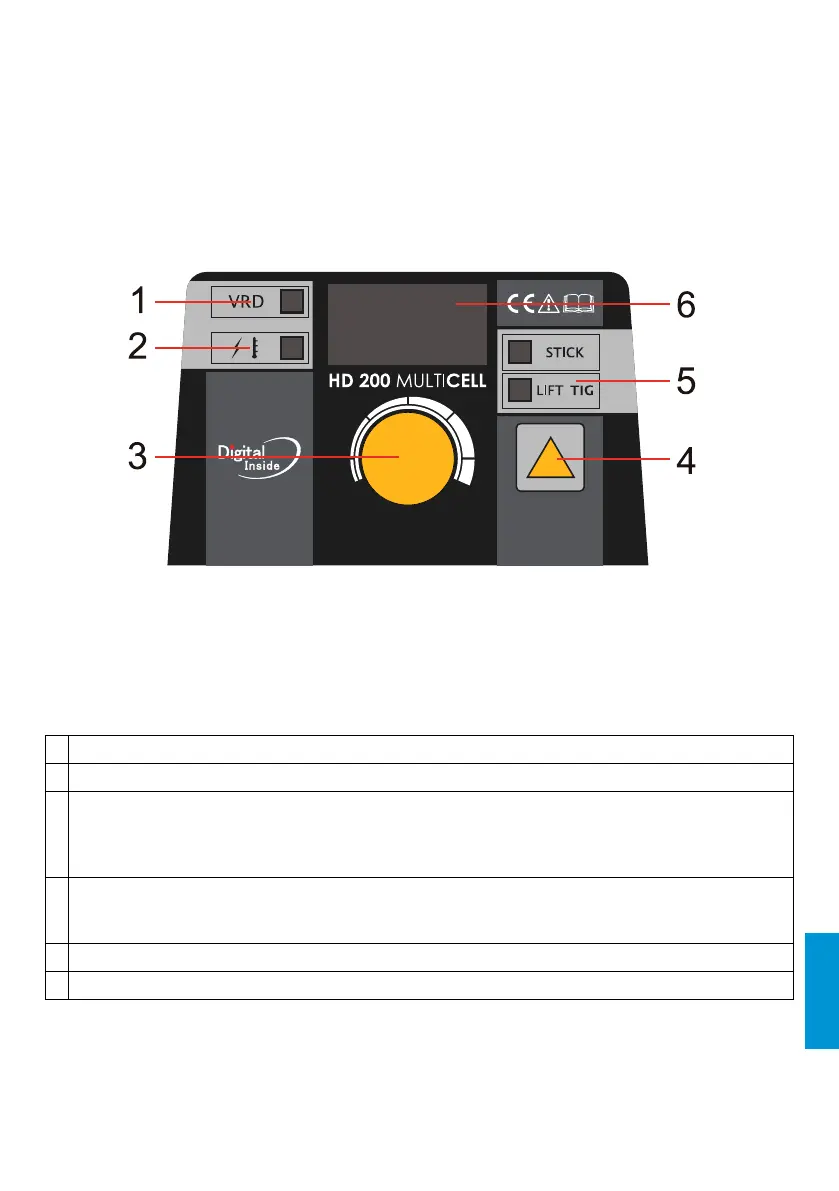
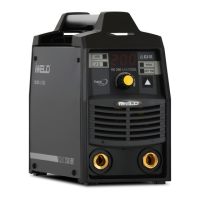
3-1 Control Panel Functions
1 VRD indicator
2 Overvoltage/over heating indicator
3 Multifunctional data adjusting knob
- Under MMA mode, press the knob to choose Current, electrode type, Hot Start current, Hot
Start time and Arc Force current parameters.
- Turn the knob to set the parameter value.
4 STICK/LIFT TIG and VRD switch key
- Press the switch key for 5s, it can open or close the VRD function.
- Press the switch key quickly, it can convert the functions between STICK and LIFT TIG.
5 STICK/LIFT TIG indicator
6 Welding current display
7




 To Next Page