95
Chapter 5 On board Audio
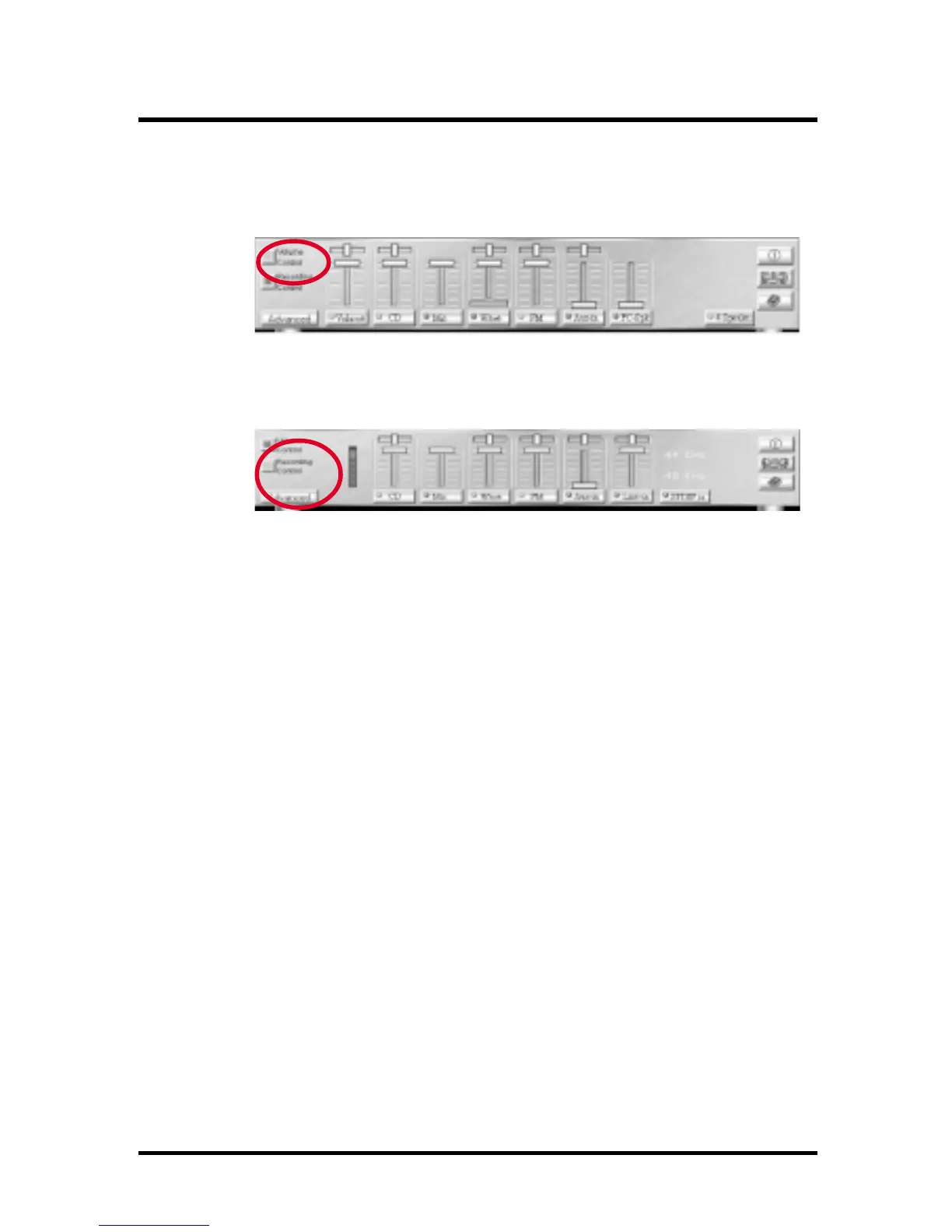
5.3.5.1 Volume Control:
Clicking on this button shows and allows you to use
the output level controls.
5.3.5.2Recording Control:
Clicking on this button shows and allows you use the
input level controls.
5.3.5.3 Input and Output Level Sliders and Buttons:
For each input or output signal type, the control slider
controls the loudness whereas the horizontal slider
controls the balance between the two speakers. The
mute button temporarily stops input or output without
changing slider positions.
Control types and names might vary. The common
types are listed below:
a Vol:
The master control for all outputs. The strength of an
output signal is determined by both the Vol slider and
the slider for the individual output. To affect all
outputs, move the Vol slider. To change the output of
an individual output type, move its slider.
b Line-in/Rear:
Controls the audio hardware’s Line In or Line Out
levels. Line levels might be for an externally attached
cassette player, for instance, while the four speakers
mode is enabled, this control becomes the Rear
speaker volume control.
c Mic:
Controls the microphone input level.



 To Next Page