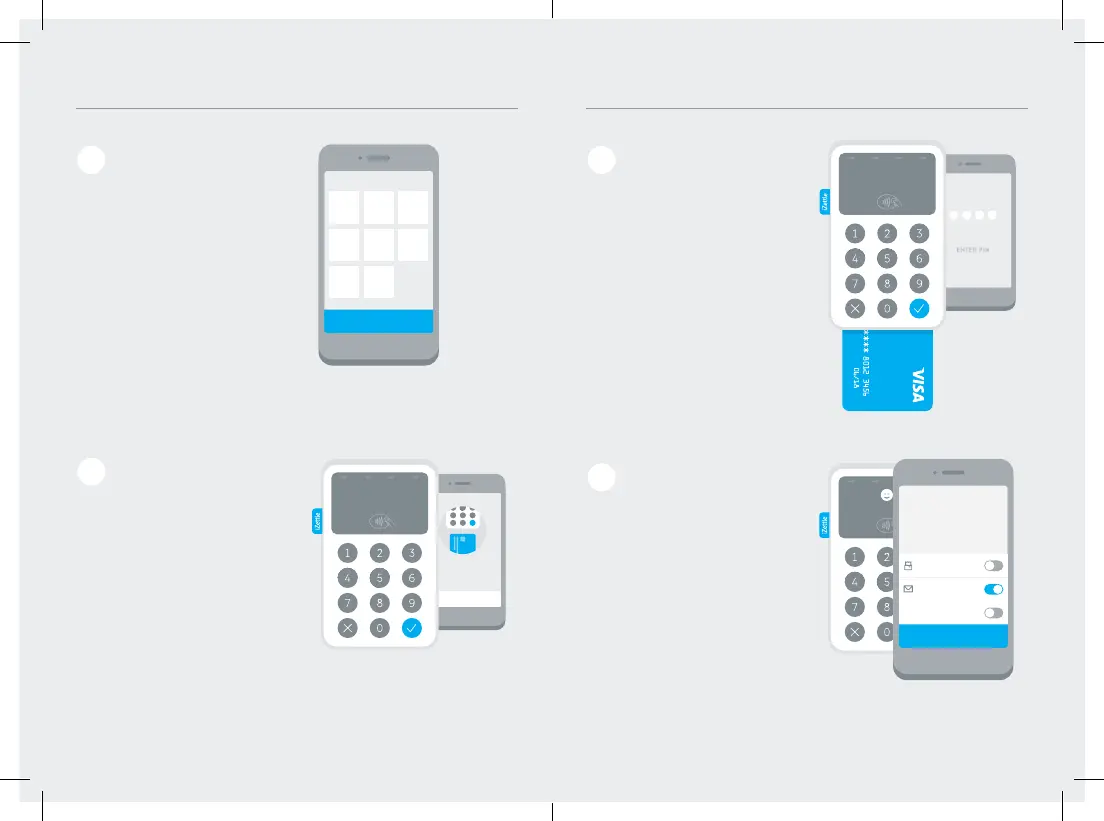
In the app, choose the
desired product(s) or
enter the amount and
tap “Charge.”
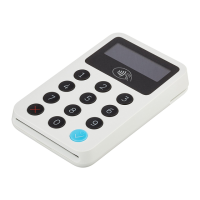
For card payments, ask the
customer to insert, swipe or
tap their card.
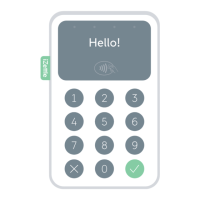
For contactless payments, the
customer must hold the card
or device within 5 centimetres
of the reader display.
Accepting card payments
1
2
Charge £10.00
Done
£10.00
Email
Print
Text message
1 2 3
4 5 6
7 8 9
0
ENTER PIN:
£10.00
Insert, tap
or swipe
£10.00
Cash
RECEIPT
Card payment
Charge £10.00
Done
£10.00
Email
Print
Text message
1 2 3
4 5 6
7 8 9
0
Insert, tap
or swipe
Ask the customer to follow
the instructions on the
screen, such as “Enter PIN”
or “Sign”, to approve the
payment.
Send the receipt to the
customer via email/text
message or print it if you
have a printer connected.
3
4
£10.00
Thank you!
£10.00
Cash
RECEIPT
Card payment
Charge £10.00
Done
£10.00
Email
Print
Text message
1 2 3
4 5 6
7 8 9
0
ENTER PIN:
£10.00
Thank you!
RECEIPT
Card payment
Charge £10.00
Done
£10.00
Email
Print
Text message
1 2 3
4 5 6
7 8 9
0
ENTER PIN:
£10.00
Insert, tap
or swipe


 To Next Page