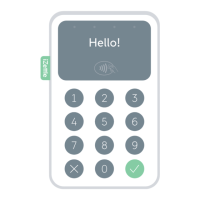
Charging time: Approx. 1 hour (via wall socket)
Approx. 1–2 hours (via computer)
Battery life: Up to 8 hours (or 100 transactions)
Wireless range: 10 metres
Charge the card reader using the enclosed micro USB cable or
the iZettle Dock (sold separately).
When it’s not being charged, the reader display will automatically
turn o after a few minutes to preserve battery life. Pressing
any key will turn it on again. After 20 minutes, the reader will
turn o completely.
Connecting the reader
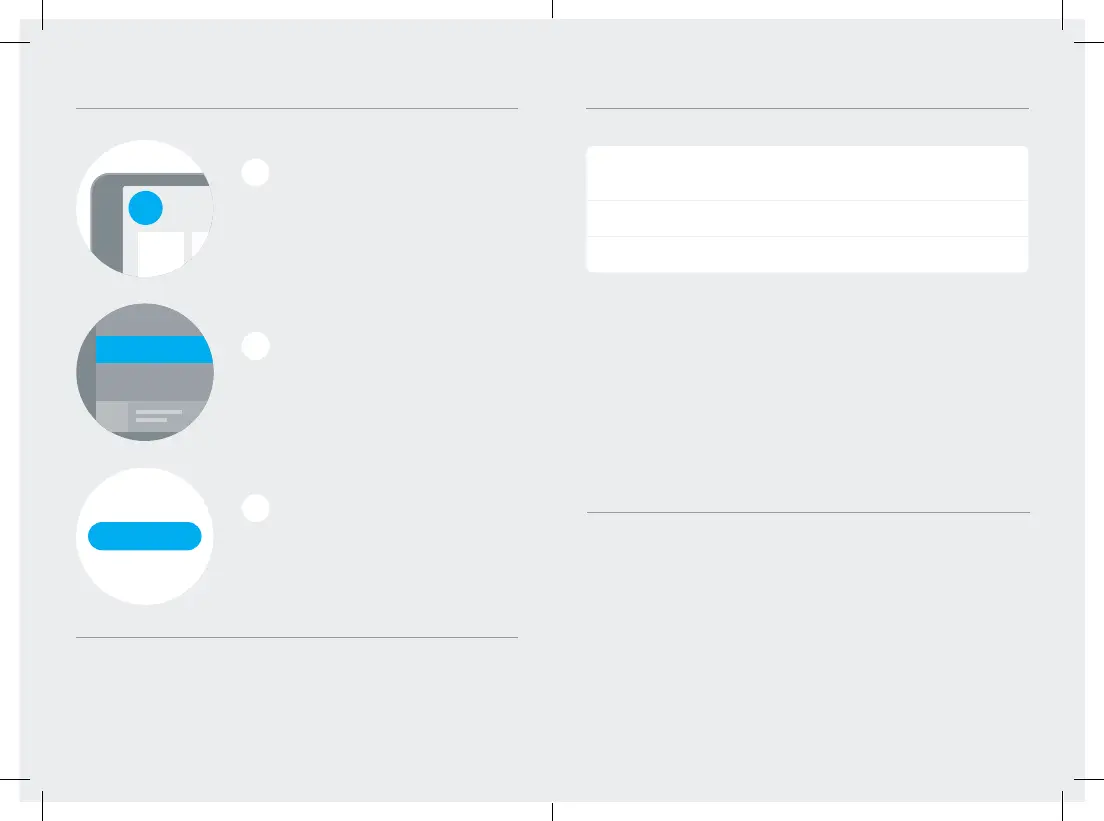
Sign into the iZettle app and
press the menu button in the
top left corner.
Tap the “Connect Reader” button and
follow the instructions on the screen.
From the menu, select “Settings”
and then “Card Readers”.
1
2
3
Reader information
Internet connection
Remember that you need to be connected to a 3G, 4G
or WiFi network in order to accept payments with iZettle.
You can also initiate Bluetooth pairing mode manually by holding
the OK button on your iZettle Reader for 5 seconds. Then select it
from the list under Bluetooth settings on your phone or tablet.
Connecting the card reader via Bluetooth
Unused - do not translate
Available devices
SETTINGS
Bluetooth
iZettle ###
...
...
123456
OK?
Insert or
swipe card
IZETTLE123
Settings
Help & Support
General Settings
Card Readers
Accessories
Connecting the card reader via Bluetooth
Unused - do not translate
Available devices
SETTINGS
Bluetooth
iZettle ###
...
...
123456
OK?
Insert or
swipe card
IZETTLE123
Settings
Help & Support
General Settings
Card Readers
Accessories
Connecting the card reader via Bluetooth
Unused - do not translate
Available devices
SETTINGS
Bluetooth
iZettle ###
...
...
123456
OK?
Insert or
swipe card
IZETTLE123
Settings
Help & Support
General Settings
Card Readers
Accessories


 To Next Page