Dual Connection
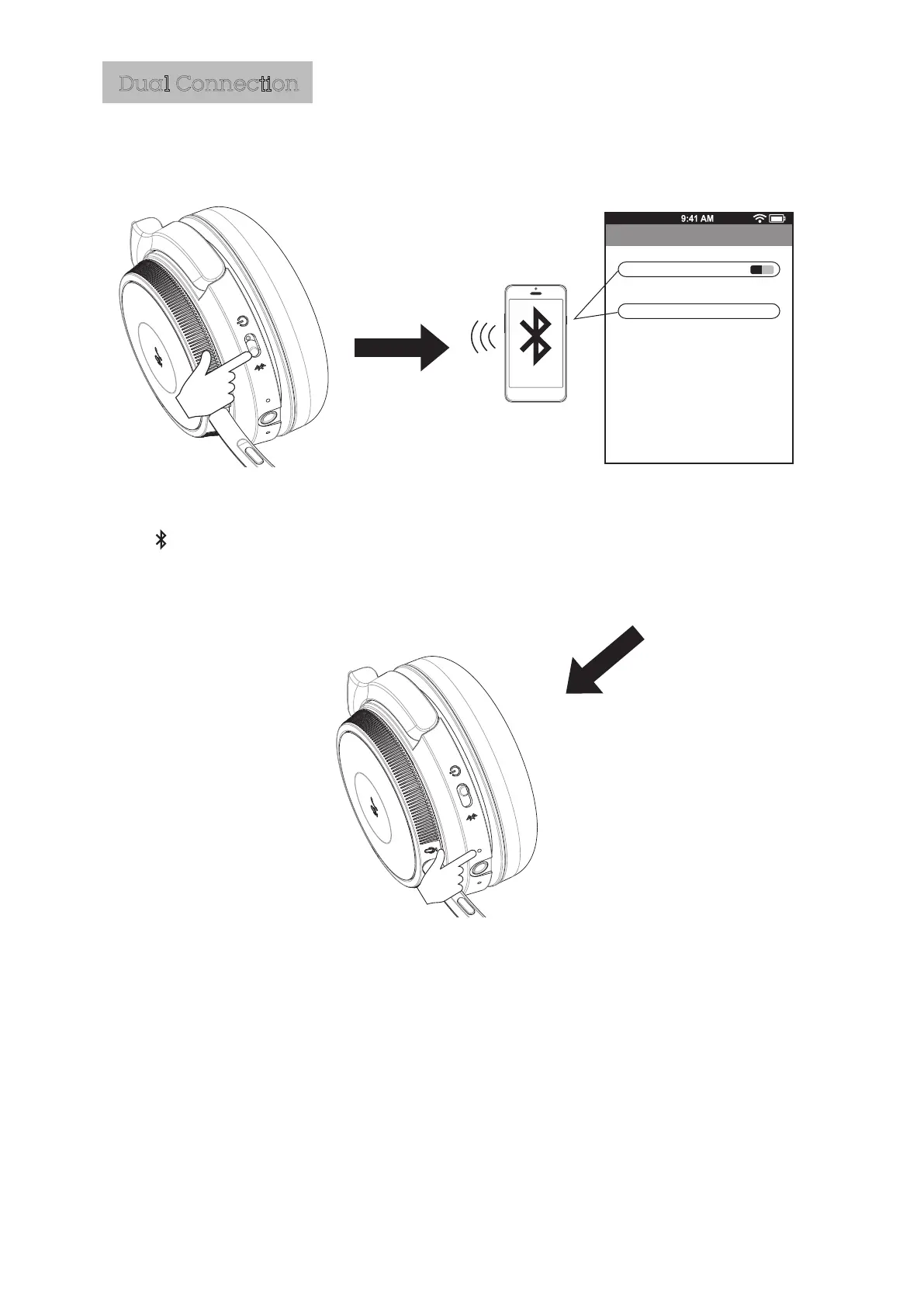
The LED will flash blue to
indicate the headphone is
connected, and ‘connected’
is heard.
JB19BF18
Bluetooth
Bluetooth
ON
Devices
Now discoverable
Paired
Slide the power switch to
the “ “ position and hold
10 seconds until ‘pairing’
heard.
Activate "Bluetooth" in your
Note: Playback using certain devices may change the flashing LED to a different colour for
the duration of playback.
device‘s settings and select
”JB19BF18”.
Connecting to the second Bluetooth device.



 To Next Page